Best Reading App for a Child Who Won't Practice: 9 Picks
What You'll Learn
- The one app I’d pick first for a child who groans, hides, or suddenly “needs water” when reading starts
- Which popular reading apps teach real phonics — and which ones lean too hard on games, guessing, or leveled readers
- Why rewards don’t fix a weak decoding Foundation (yes, even if the owl is cute)
- The 10-minute action plan I’d use this week with a reluctant reader at my own kitchen table
Reality Check
Your child won’t practice because reading feels bad.
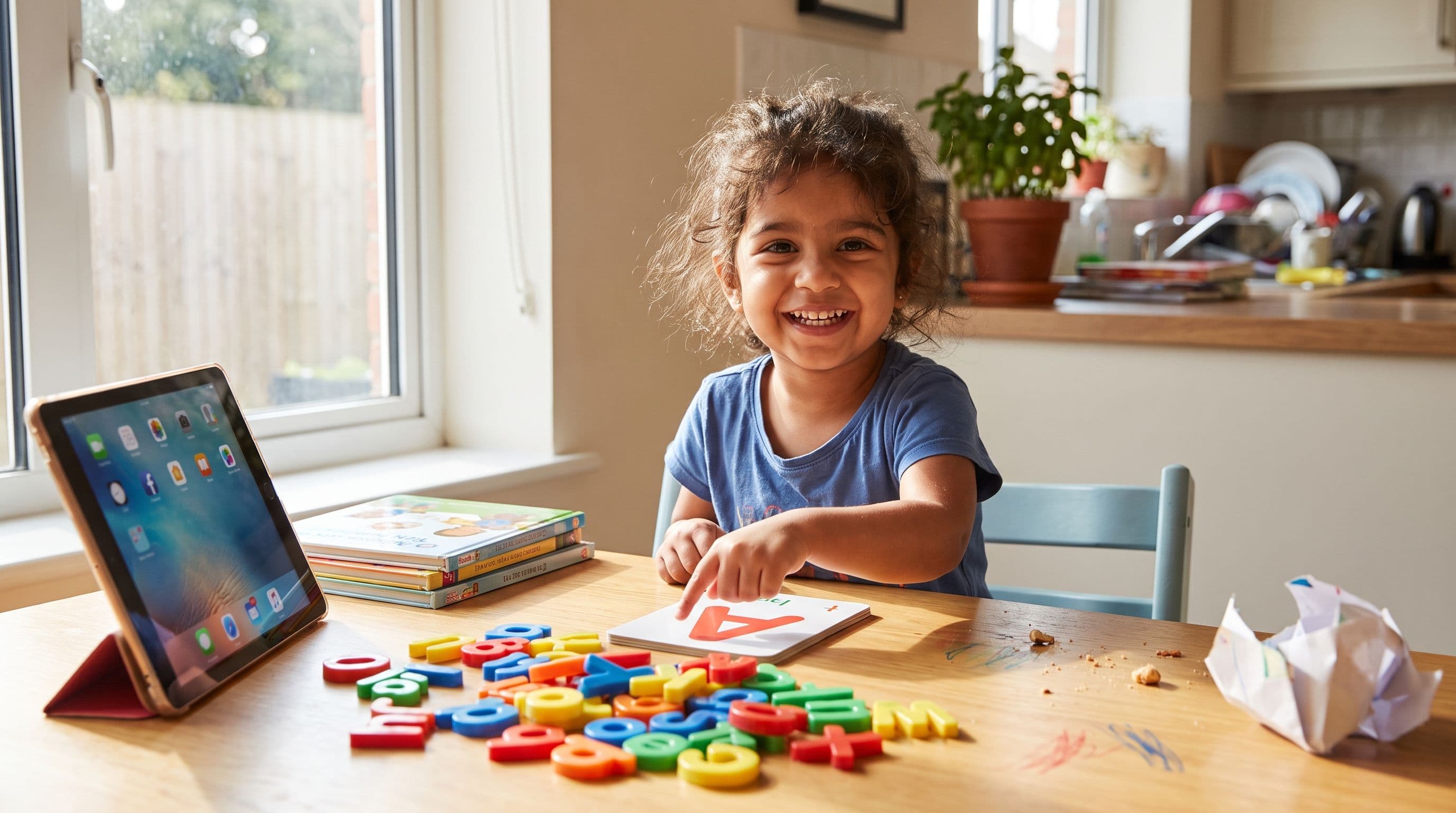
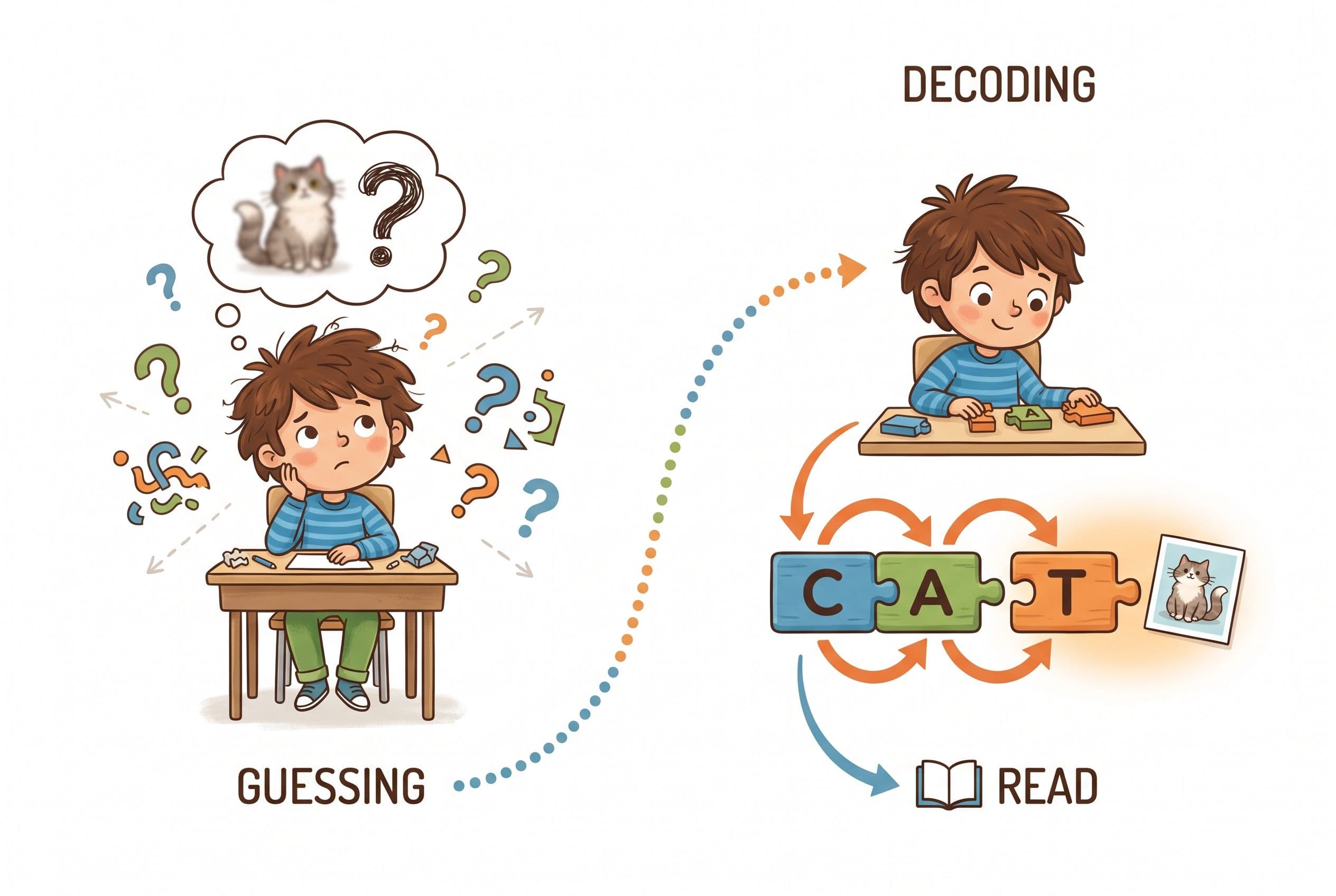
Not “boring.” Not “they’re just lazy.” Bad. If your kid looks at ship and says “boat” because there’s a picture of a boat nearby, that’s not reading. That’s guessing with better branding.
And if you’re searching for the best reading app for a child who won’t practice, you need two things fast: a program that teaches the code and a routine that doesn’t turn your house into a tiny courtroom every afternoon.
The Verdict: Best Reading App for a Child Who Won’t Practice
| Rank | App | What it teaches | Pricing model | Best for |
|---|---|---|---|---|
| 1 | Teach Your Kid to Read | Systematic synthetic phonics with no guessing | Lesson one free with no card; from lesson two, 7-day free trial, then US$9.95/month | Ages 4-8, especially reluctant beginners |
| 2 | Reading.com | Parent-led early reading lessons | Subscription, monthly or yearly | Ages 3-8 |
| 3 | Hooked on Phonics | Phonics lessons plus stories | Subscription with 7-day app trial | Ages 3-8 |
| 4 | Reading Eggs | Games, Fast Phonics, reading activities | Subscription with 30-day trial | Ages 3-10 for phonics pieces |
| 5 | Teach Your Monster to Read | Early phonics game path | Free on computers; paid one-time app | Ages 3-6 |
| 6 | Khan Academy Kids | Broad early learning with literacy mixed in | Free, donation-supported | Ages 2-8 |
My pick is Teach Your Kid to Read because a reluctant reader doesn’t need more digital confetti. They need short, structured lessons that make decoding feel possible. If you want to stop the daily reading battle, start with start lesson one free — lesson one is free with no card and nothing to cancel; from lesson two the whole program is a 7-day free trial, then US$9.95 a month.
Tiger Truth: If You Wait, the Gap Gets Expensive
Look, I’m not here to scare you for sport. I’m a homeschooling mom of four. I’ve had a 4-year-old slide off the chair like cooked spaghetti because I asked him to blend m-a-t. I know the drama.
But “wait and see” is how small decoding problems become giant reading problems.
On the 2022 US NAEP / The Nation’s Report Card fourth-grade reading results, 33% of US 4th graders read at or above NAEP Proficient. Quick mom-note before anyone starts spiraling: NAEP Proficient is a demanding achievement standard, not the same thing as “reading on grade level.” Still, the trend is ugly enough that I’m not handing out cookies and pretending everything’s fine.
Donald Hernandez’s 2011 Double Jeopardy report found that children who weren’t reading proficiently by 3rd grade were four times more likely to leave high school without a diploma than proficient readers. That’s an association from population data, not a crystal ball for your individual child and not proof that any one app prevents dropout. But it is a giant blinking sign that early reading trouble deserves attention now, not after everyone has “monitored progress” until your coffee needs coffee. Add tutoring bills — often US$10,000-US$15,000 a year for intensive private reading help — and suddenly those “just 10 minutes a day” lessons look like the cheapest insurance you’ll ever buy.
I was at a playground in Raleigh when another mom told me her kid’s school had just switched from Lucy Calkins to a Science of Reading curriculum because of North Carolina’s SB 387 — the Excellent Public Schools Act, a US state law. She felt annoyed. “He was doing fine before,” she said.
So I asked one question: “Can he read splint?” He was in second grade (ages 7-8). He couldn’t.
I spent 20 minutes on that bench explaining why the switch happened: Emily Hanford’s APM Reports podcast “Sold a Story,” the NAEP data, and Stanislas Dehaene’s neuroscience in Reading in the Brain (2009), which shows that the brain doesn’t learn to read naturally. We train it. That mom texted me at 11 p.m. after listening: “I had no idea. Why didn’t anyone tell us this sooner?”
Exactly.
Deep Dive: Best Apps for Reluctant Readers
1. Teach Your Kid to Read — Best Overall for a Child Who Won’t Practice
Teach Your Kid to Read wins because it treats reading like a Skill, not an entertainment category.
A child who won’t practice usually has one of three problems:
- They don’t know the letter-sound code well enough.
- They can’t blend sounds smoothly.
- They’ve learned to guess from pictures, first letters, or memory.
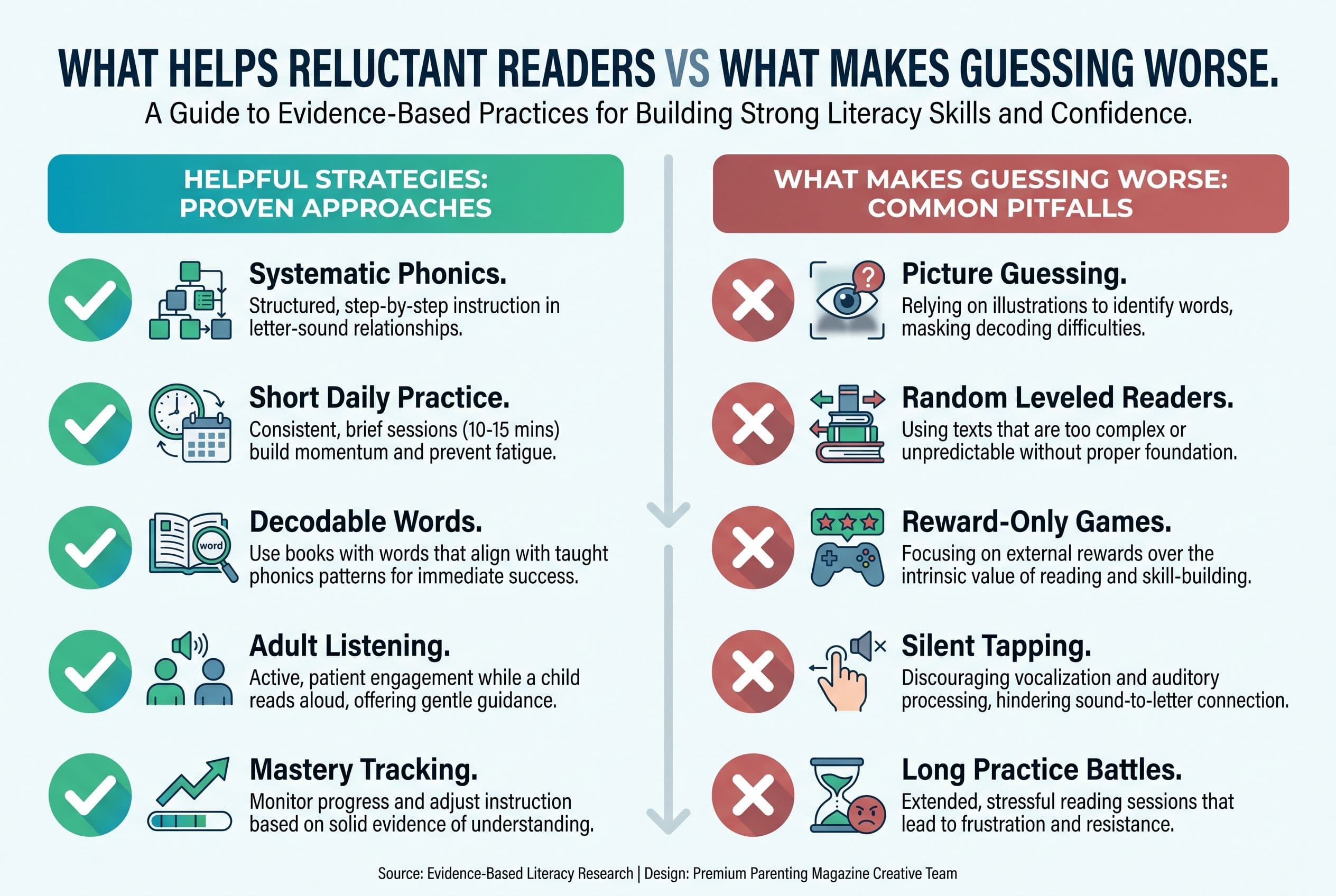
The app targets the real bottleneck: grapheme-phoneme correspondence. That means letters and letter teams connect to sounds. No magic. No “look at the picture and think what would make sense.” Tiger Rule: No Guessing.
The lessons follow systematic synthetic phonics. That means your child learns sounds in a planned order and blends them into words. This lines up with the 2000 National Reading Panel, the US federal reading panel Congress commissioned, which found that systematic phonics instruction brings significant benefits, especially in kindergarten (age 5) and 1st grade (ages 6-7).
It also matches what Linnea Ehri described in her 2005 work on phases of word reading development. Kids move from guessing and partial cues into full alphabetic reading, then consolidated word recognition. Translation for normal people: your kid needs to map sounds to spellings until words stick in the brain. That’s orthographic mapping, and it’s the real deal.
Here’s why this matters for reluctant readers: if a lesson gives them a tiny win, they come back. If a lesson asks them to fake-read a leveled book by memorizing patterns and pictures, they crash later. Hard.
At my kitchen table last Tuesday, my 4-year-old wanted to build magnetic tiles instead of practicing CVC words. Fair. Magnetic tiles are awesome. But Tiger Rule: We Never Skip. So we did six minutes: sat, sip, map, mat, Sam. Then he got tiles. Reading first. Fun second. No-brainer.
That’s the energy I want in a motivation reading app: short lessons, real decoding, parent clarity, no nonsense.
Best for: parents who want a struggling reader app that teaches phonics directly without turning reading into a carnival.
Watch for: you still need to sit near your child. Apps don’t replace parenting. I wish they did for laundry too, but here we are.
2. Reading.com — Good Parent-Led Option for Early Readers
Reading.com is made by Teaching.com, the company behind Typing.com and Nitro Type. It states ages 3-8 and uses a subscription model.
I like that Reading.com centers parent involvement. That matters. A 5-year-old left alone with an app will often tap, swipe, and speed-run the reward screen while learning approximately three raisins’ worth of phonics.
For a child who won’t practice, parent-led pacing can help. You can pause. You can hear the mistake. You can say, “Nope, sound it out,” in your calm-but-dead-serious mom voice.
Where I get picky: any reading app for reluctant readers needs to show exactly how it handles blending, error correction, and decodable practice. If your child can identify letters but falls apart on mop, you don’t need more alphabet songs. You need sound-by-sound blending until Mastery.
Best for: parents who want to participate and guide early lessons.
Watch for: don’t let pretty screens replace oral reading. Your child needs to say the sounds out loud.
3. Hooked on Phonics — Familiar Name, Phonics-Based Structure
Hooked on Phonics is made by Hooked & Company, Inc. Its app store seller appears as Sandviks HOP, Inc. It states ages 3-8, and the site frames it as preschool to 2nd grade (ages 7-8). The app uses a subscription with a 7-day free trial.
This one has name recognition for a reason. Many parents know the brand from childhood. The general model — phonics lessons tied to books — makes more sense than guessing-based leveled readers.
For reluctant readers, the key question is whether the child practices the exact code they’ve learned. If the lesson teaches short a, the story should contain decodable short a words, not random words your child has to memorize or infer.
That’s where I’d keep my tiger mom eyebrow raised. Any app can say “phonics.” I want controlled text. I want the child reading words they can actually decode.
Best for: families who want a known phonics brand with app-based lessons.
Watch for: if your child starts guessing from pictures, stop and correct it immediately. “Try again. Sounds first.”
4. Reading Eggs — Big, Engaging, But Watch the Game-to-Reading Ratio
Reading Eggs is made by Blake eLearning, an Australian-owned company that merged with 3P Learning in 2021. It states ages 2-13 overall, with Reading Eggs for ages 3-7, Fast Phonics for ages 5-10, and Reading Eggspress for ages 7-13. It uses a subscription with a 30-day free trial.
Reading Eggs can appeal to kids who resist practice because it feels game-like. That’s the upside. The downside? Some kids learn to chase the game loop instead of the reading task.
This is the trap parents miss. A child can spend 25 minutes in a reading app and still only do four minutes of hard decoding. That’s like going to the gym and mostly sitting in the massage chair. Pleasant? Sure. Training? Not really.
If you use Reading Eggs as a motivation reading app, sit close for the first week. Watch what your child actually reads. Are they blending? Are they hearing phonemes? Are they mapping spellings? Or are they clicking until something sparkles?
Best for: kids who need engagement and can stay focused on lesson tasks.
Watch for: rewards that replace instruction. Fun is fine. Fluff isn’t.
5. Teach Your Monster to Read — Strong Early Game Feel, Best for Younger Beginners
Teach Your Monster to Read is made by Teach Your Monster Limited in the UK and developed by the Usborne Foundation, a charity set up by Peter Usborne. The organisation renamed itself Teach Your Monster in 2021. The app states ages 3-6. It’s free on computers and a paid one-time app.
This can work well for younger kids who need early exposure to sounds and blending. The monster theme gives reluctant kids a reason to begin, and for some preschoolers, that’s half the battle.
But here’s my line in the sand: if your child already struggles, don’t confuse “willing to play” with “learning to read.” You need to listen. Have them read outside the app too. Pull out a simple decodable reader — Bob Books can work nicely for early CVC practice — and check whether the Skill transfers.
Best for: ages 3-6 who need playful early phonics practice.
Watch for: older struggling readers may find it babyish. Nothing kills motivation faster than making a 7-year-old feel like you handed them a toddler toy.
6. Khan Academy Kids — Wonderful Free App, Not a Dedicated Reading Intervention
Khan Academy Kids is made by Khan Academy, a 501(c)(3) nonprofit. It states ages 2-8 and is free with no ads or subscriptions, though the site asks for donations.
I like Khan Academy Kids for broad early learning. It has books, language activities, and gentle practice. For families on a tight budget, free matters. I’m not going to pretend otherwise.
But if your child hates reading because decoding is hard, you need more than broad literacy exposure. You need targeted early reading instruction. Phonemic awareness is about hearing and manipulating spoken sounds — like noticing that map has /m/ /ă/ /p/. Phonics is where those sounds get tied to printed letters. Good early instruction brings them together with blending, segmenting, and decodable text.
David Kilpatrick’s Equipped for Reading Success (2016) explains why phonemic awareness and orthographic mapping matter so much. If your child can’t hear and manipulate the sounds in words, memorizing “sight words” becomes a misery treadmill.
Best for: supplemental early learning, especially for younger kids.
Watch for: don’t use it as your only plan for a struggling reader.
7. Duolingo ABC — Cute, Free, and Useful as a Supplement
Duolingo ABC is made by Duolingo, Inc. It states ages 3-8 on Google Play and Duolingo’s blog, and the App Store frames it as preschool to 2nd grade. It’s free with no ads and no in-app purchases.
For a reluctant reader, free and low-pressure can help. I see the appeal. If your child shuts down the second they see a workbook, an app like this may lower the temperature.
But I wouldn’t make it my main intervention for a child who’s behind. A child stuck at blending needs direct practice with sounds and words, not just literacy activities sprinkled through a friendly app.
Best for: extra practice for early readers.
Watch for: don’t let “they did the app” become your proof that they can decode.
8. Starfall — Classic Early Literacy, Better as Practice Than Rescue
Starfall is made by Starfall Education Foundation, a 501(c)(3) nonprofit. It states ages pre-K to grade 5 and uses a free tier plus paid membership.
Starfall has been around since 2002, and many parents know it from classrooms. It can help children play with letter sounds, songs, and early reading concepts.
For a child who won’t practice, Starfall may feel less threatening than sitting with a book. Fine. Use that opening. But don’t stop there.
If your child can’t read slip, brag, or chest, you need a clear sequence. I’d pair any Starfall time with a tight phonics Drill: five minutes of sound review, five minutes of blending, five minutes of decodable reading.
Best for: extra early literacy exposure.
Watch for: songs and activities don’t replace daily decoding.
9. Nessy — Worth a Look for Dyslexia Indicators
Nessy is made by Nessy Learning Ltd in the UK and has been part of ILT Education since April 2024. It states ages 6-11 and uses subscriptions for home and school versions.
Nessy is often discussed in dyslexia circles, and that matters because some reluctant readers resist practice because their brains are working much harder than everyone realizes.
If your child reverses letters occasionally, don’t panic. That’s common in young learners. But if they can’t remember letter sounds, can’t blend three-sound words, avoids reading with panic, or guesses wildly, investigate. Don’t wait for the school to “monitor progress” for 18 months. Real talk — that phrase makes my left eye twitch.
You can ask a school about tools like DIBELS, AIMSweb, PALS, MAP Growth, or a phonological awareness screener, but don’t lump them all into one mystery testing soup. DIBELS and AIMSweb look at foundational reading skills like decoding fluency and word reading. PALS includes early literacy and phonological awareness pieces. MAP Growth is a broader achievement measure. The Kilpatrick PAST test looks at phonological awareness and can help show where the sound-level breakdown may be. None of these, by itself, diagnoses dyslexia. If the trouble is persistent, talk with the teacher, a qualified reading specialist, or a clinician who can do a full evaluation. For more serious dyslexia concerns, check resources from the International Dyslexia Association.
Best for: ages 6-11 with dyslexia indicators or persistent reading trouble.
Watch for: struggling readers still need adult attention and explicit instruction, not just independent screen time.
What Disqualifies a Reading App for Reluctant Readers?
A reading app can look adorable and still teach bad habits.
I reject any app as the main plan if it leans on these:
-
Picture guessing
If the app encourages “look at the picture,” hard pass. Pictures support comprehension after decoding. They don’t replace decoding. -
Leveled readers as core instruction
Fountas & Pinnell levels are everywhere, but they come from a whole-language aligned world. For early readers, I want decodable readers from programs like UFLI Foundations, Fundations, Logic of English, Bob Books, Flyleaf Publishing, or High Noon Books. -
Rewards that bury the Skill
Stickers and gems can motivate. But if your child remembers the prize and not the sound, the app failed. -
No clear scope and sequence
Random practice creates random results. A good phonics app knows what comes next and why. -
Silent practice only
Reading starts in the mouth. Your child needs to say sounds, blend words, and read aloud.
The Action Step: My 7-Day Reluctant Reader Reset
Here’s the plan I’d use if your child hates practice. Keep it short. Keep it daily. Don’t negotiate with tiny terrorists wearing dinosaur pajamas.
-
Pick one main app.
Choose Teach Your Kid to Read if you want phonics-first lessons without guessing. Use other apps only as supplements. -
Set a 10-minute timer.
Not 45 minutes. Not “until we finish this giant chapter.” Ten minutes. Stop while your child still has a soul. -
Use the same time every day.
After breakfast works in my house. Before screens works even better. Reading before Roblox. I said what I said. -
Listen for guessing.
If your child says “pony” for horse because of a picture, calmly say, “No guessing. Sound it out.” -
Track one Skill.
This week, track blending CVC words or reading short vowel words. Not “likes reading more.” That’s too squishy. -
Add one decodable page.
After the app, have your child read a tiny decodable page or 5-10 words on paper. Transfer matters. -
Check progress on day seven.
Can your child read more words accurately than last week? If not, reduce distractions, slow down, and consider asking the teacher or a reading specialist about a real screener.
For kindergarten (age 5), don’t turn one fluency number from the internet into your new personality. DIBELS benchmarks depend on the edition, testing window, and measure, and trained interpretation looks at patterns across multiple skills — not just a parent-run speed test at the kitchen table while someone’s sibling is licking a yogurt lid. Use screeners as signals. If the signal keeps flashing, get help from someone qualified.
If you want the simplest starting point, use Teach Your Kid to Read for 10 minutes a day this week. Lesson one is free with no card and nothing to cancel; from lesson two the whole program is a 7-day free trial, then US$9.95 a month.
So Which App Should You Choose?
If your child just needs extra exposure, Khan Academy Kids, Starfall, Duolingo ABC, or Teach Your Monster to Read may help.
If your child actively avoids reading, melts down, guesses, or says “I’m bad at this,” choose a phonics-first app and stay close. My vote for the best reading app for a child who won’t practice is Teach Your Kid to Read because reluctant readers need Mastery, not more ways to dodge the hard part.
Bottom line: motivation comes after success more often than before it. Your child won’t love reading by failing at it every day. Give them the code. Give them wins. Keep it non-negotiable.
Start with one lesson, watch the mistakes, and make practice short enough that you can repeat it tomorrow.
FAQ
What is the best reading app for a child who won’t practice?
My top pick is Teach Your Kid to Read because it teaches systematic synthetic phonics in short lessons. A reluctant reader needs decoding wins, not just games or rewards.
Should I force my child to practice reading every day?
Yes, but don’t turn it into a war. Keep practice short — 10 minutes is plenty for many young kids — and make it daily. Tiger Rule: We Never Skip.
Are reading apps enough for struggling readers?
Sometimes for mild gaps, but not always. If your child has dyslexia indicators, severe avoidance, or no progress after consistent practice, ask the teacher or a qualified reading specialist about screening. DIBELS and AIMSweb can check foundational reading skills, PALS includes early literacy measures, MAP Growth is broader achievement data, and the Kilpatrick PAST looks at phonological awareness. Screening isn’t the same as a full evaluation.
What if my child hates phonics?
They may hate phonics because it exposes the hard part. Slow down, reduce the lesson length, and celebrate accurate decoding. Don’t switch to guessing. That just delays the pain.
Which apps should I avoid for reluctant readers?
Avoid making any app your main plan if it relies on picture guessing, memorized leveled readers, or rewards that replace instruction. Supplements are fine. The Foundation has to be phonics.
From teachyourkidtoread.org/blog/best-reading-app-for-a-child-who-won-t-practice-9-picks
Part of these guides

Xia Brody
Co-Founder, Teach Your Kid to Read
Mom of 4 who has successfully taught her kids to read. Currently in the trenches with her 4-year-old while her two oldest (10 and 7) devour books on their own. Passionate about phonics-based methods and building a lifelong love of reading.
Related Articles
Best Reading App for a 1st Grader Who Guesses Words
If your 1st grader guesses words from pictures, that’s not reading — that’s coping. Here’s the no-nonsense app comparison I’d use with my own kids.
Read More →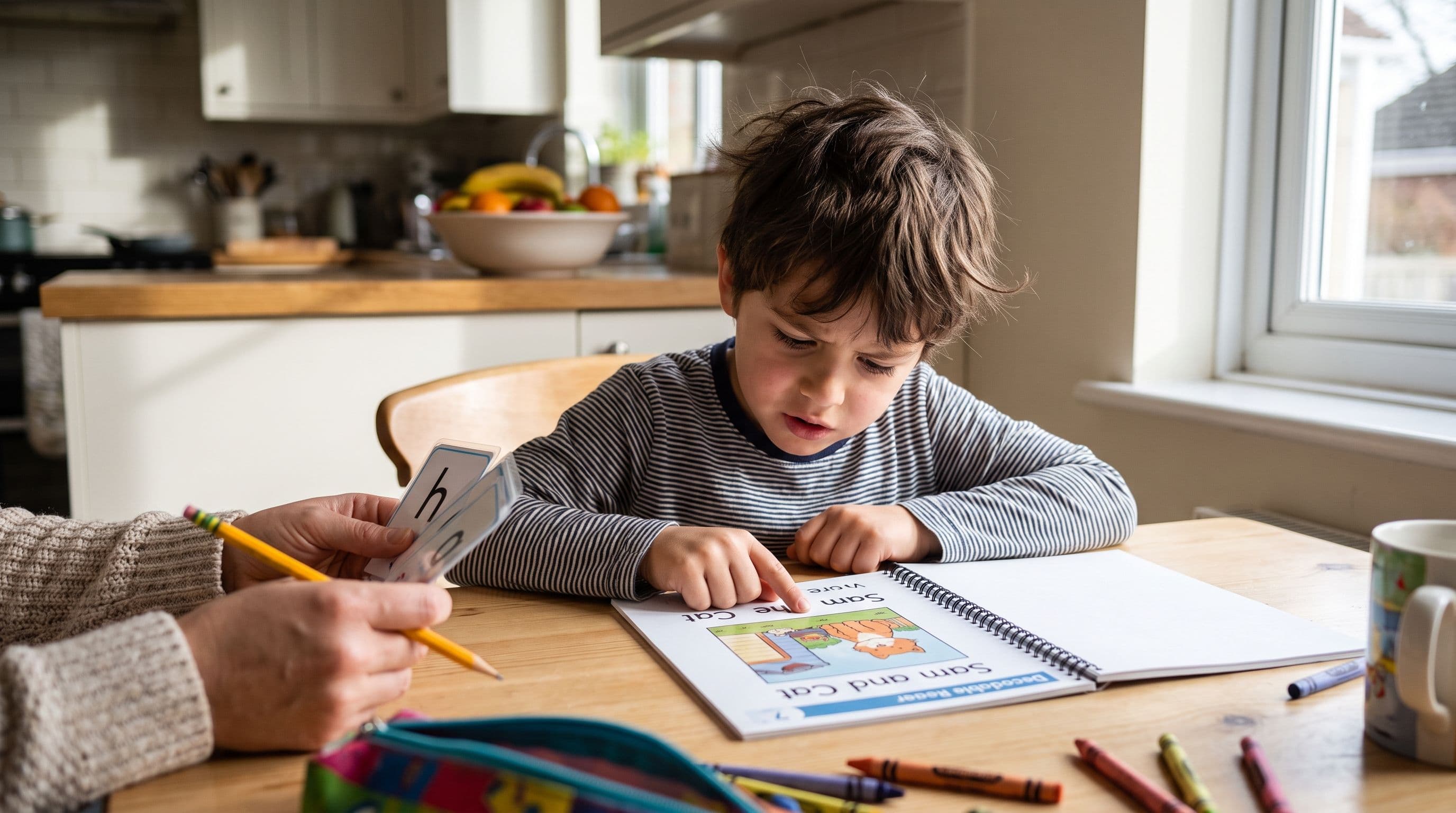
My 1st Grader Hates Reading: 7 Fixes to Try Today
If your first grader won’t read, don’t panic—but don’t wait. Here’s how to tell whether the problem is motivation, decoding weakness, bad books, or all three.
Read More →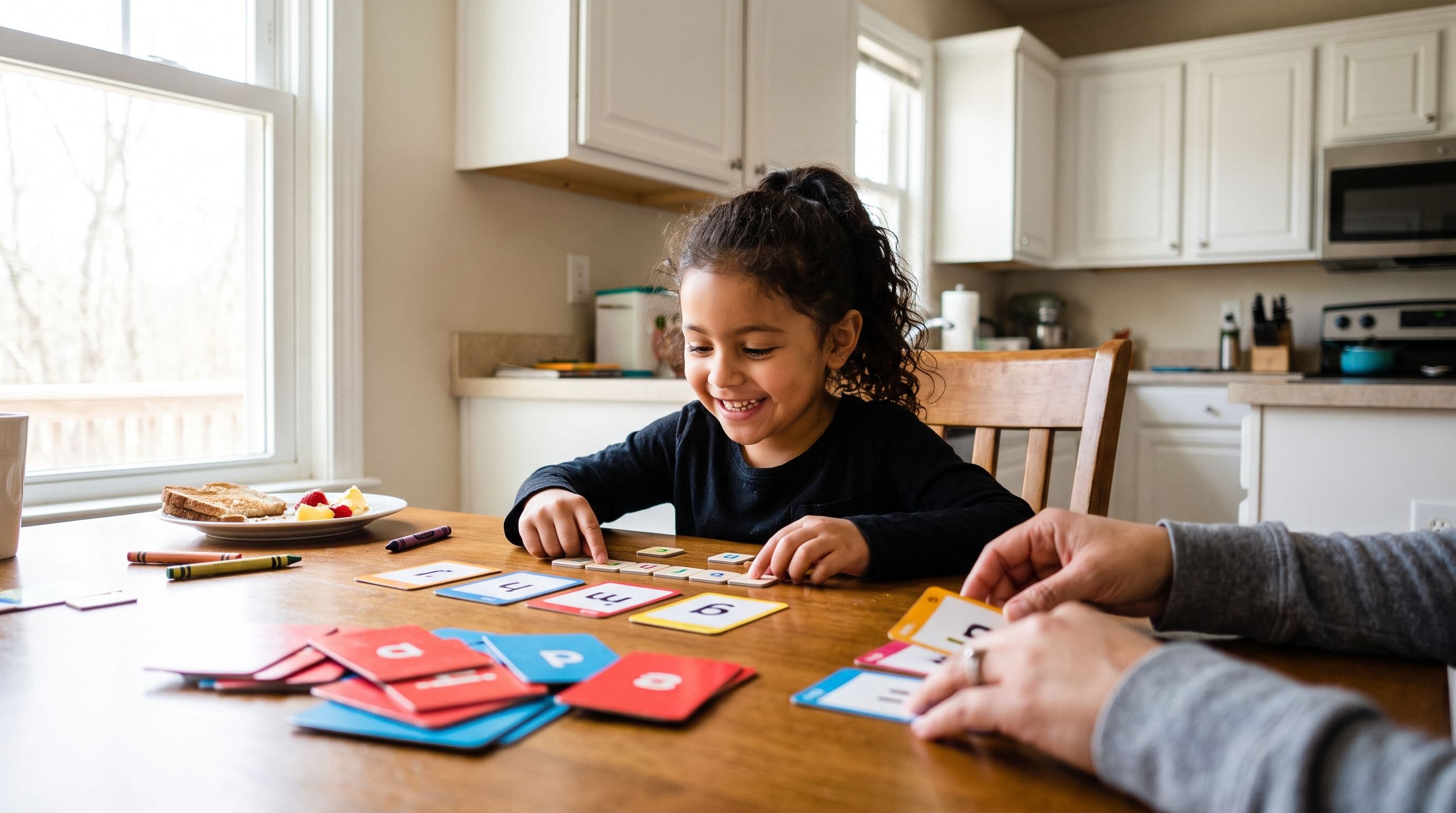
Best App for Kids Who Know Letters But Can't Read
Your child knows the alphabet but still can't read words? That's not laziness. It's a blending problem, and the right phonics app can help you fix it fast.
Read More →