Best Orton-Gillingham Reading Apps: 6 Ranked for 2026
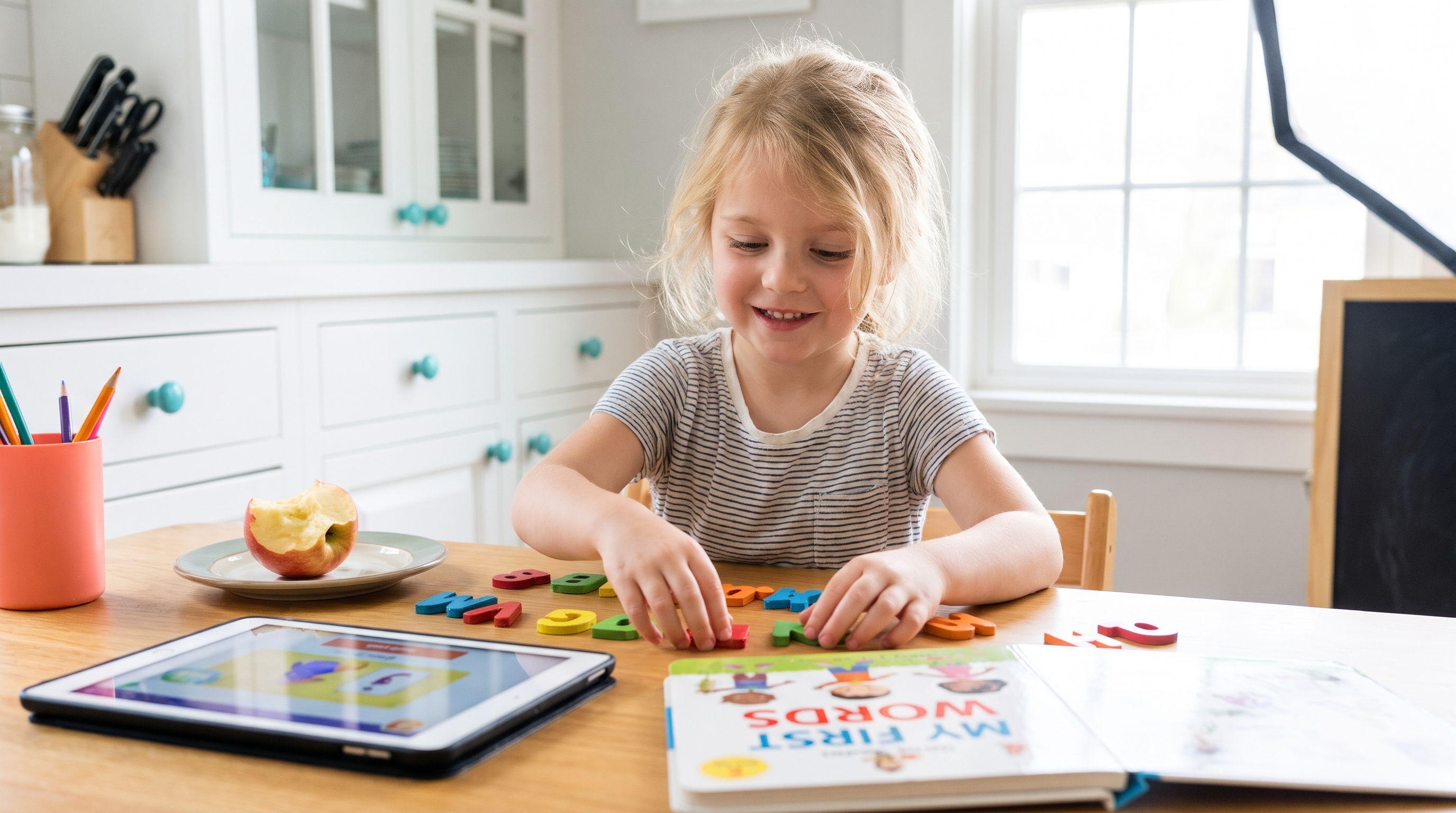
Your 7-year-old can finish a reading game but can't read the same words on paper. That's not independence. That's my cue to tell you: look past the confetti before choosing Orton-Gillingham reading apps.
I'm Xia Brody, a Chinese-American homeschooling mum of four, ages 10, 7, 4 and 1. I've taught my two oldest to read, and I'm currently teaching my 4-year-old while the baby conducts quality control on everything within reach. Bottom line: I care about the reading that happens after the screen closes.
What You'll Learn
- Which six apps deserve a place on your shortlist—and why an OG label needs a closer look.
- What one unfamiliar word can reveal that a completed game can't.
- Where a phonics app stops helping and individual teaching needs to take over.
- How to run a short home session without becoming the entertainment committee.
Here's the reality check: systematic phonics and Orton-Gillingham aren't interchangeable labels. OG instruction combines explicit, sequenced teaching with cumulative review and adjustments based on a learner's errors. A touchscreen alone can't deliver that whole relationship.
Look, the best orton-gillingham reading apps search turns up plenty of broader phonics products. I've widened this comparison to include those alternatives rather than pretend six apps all provide full OG instruction. My ranking prioritises a parent-led routine, explicit decoding, appropriate practice and usefulness at age seven—not badges or animations. It draws on public product descriptions, not hands-on competitor testing.
The Verdict
These age notes describe practical fit; where I give a published range, I identify it. Competitor rows show pricing models, not current quotations. Check each provider's current price and regional availability before buying.
| Rank and app | Instruction focus | Price or model | Best-for age or fit |
|---|---|---|---|
| 1. Teach Your Kid to Read | Parent-supported phonics practice; don't equate an app with individual OG intervention | Lesson one is free with no card and nothing to cancel; from lesson two the whole program is a 7-day free trial, then US$9.95 a month | My pick for a 7-year-old practising with a parent |
| 2. Nessy Reading & Spelling | Structured reading and spelling activities with a dyslexia-focused approach | Home subscription; check current price | Published ages 6–11 |
| 3. Reading.com | Parent-and-child phonics lessons, rather than picture guessing as the reading strategy | Monthly or yearly subscription; check current price | Published ages 3–8 |
| 4. Reading Eggs: Fast Phonics | Systematic synthetic phonics within the wider Reading Eggs offering | Subscription; check current price | Fast Phonics published ages 5–10 |
| 5. Phonics Hero | Synthetic phonics practice, including blending and spelling | Subscription; check current price | My recommendation: age seven when its sequence matches the gaps |
| 6. Teach Your Monster to Read | Game-based letter-sound and blending practice | Free on computers; one-time paid app; check current app price | Published app ages 3–6; my conditional pick for a seven-year-old revisiting basics |
Full disclosure: I co-founded Teach Your Kid to Read, so weigh my #1 pick accordingly; the rest of the ranking is based on the criteria above.
For a parent-led starting point, I recommend Teach Your Kid to Read: start lesson one free. Lesson one is free with no card and nothing to cancel; from lesson two the whole program is a 7-day free trial, then US$9.95 a month.
Tiger Truth: Familiar Books Can Hide Weak Decoding
At a playground in Raleigh, North Carolina, another mum told me her child's school had switched from Lucy Calkins to a Science of Reading curriculum. She connected the change to North Carolina's SB 387, the Excellent Public Schools Act of 2021—a US state law supporting science-of-reading instruction.
She sounded confused and a little annoyed. “He was doing fine before,” she said. Her son attended US second grade (ages 7–8). I asked whether he could read splint. He couldn't.
One word doesn't diagnose a reading difficulty. But it can expose the difference between recognising a familiar page and decoding an unfamiliar spelling. We spent 20 minutes on that playground bench talking about Emily Hanford's Sold a Story, which launched in 2022, and Stanislas Dehaene's Reading in the Brain (2009). His neuroscience account explains why learning to read requires building connections between print and spoken language; exposure alone doesn't reliably do the job.
We also talked about the US National Assessment of Educational Progress: in 2022, 33% of US fourth graders (ages 9–10) performed at or above NAEP Proficient in reading. That doesn't mean everyone below that threshold couldn't read; NAEP Proficient isn't the same as a school grade-level benchmark. Still, the results hardly justify “let's just wait.”
She listened to the podcast that night. At 11pm, she texted: “I had no idea. Why didn't anyone tell us this sooner?”
Honestly, that question stays with me. As schoolwork demands more independent reading, weak decoding can make every subject harder. The kicker is that children can start blaming themselves for an instructional gap. Act early, but don't treat age seven as a deadline after which improvement becomes impossible.
Ranked: The 6 Best Orton-Gillingham Reading Apps and Alternatives
1. Teach Your Kid to Read — My Pick for Parent-Led Practice
I put our app first for the family that wants to sit beside a child and make reading practice a daily habit. Not hand over a tablet and hope. My recommendation assumes an adult listens, checks accuracy and carries the practice onto paper.
The method matters more than the screen. The US National Reading Panel, in its 2000 report, found benefits from systematic phonics instruction. That supports teaching letter-sound relationships in a planned sequence; it doesn't establish that any particular app works or that a product delivers full OG intervention.
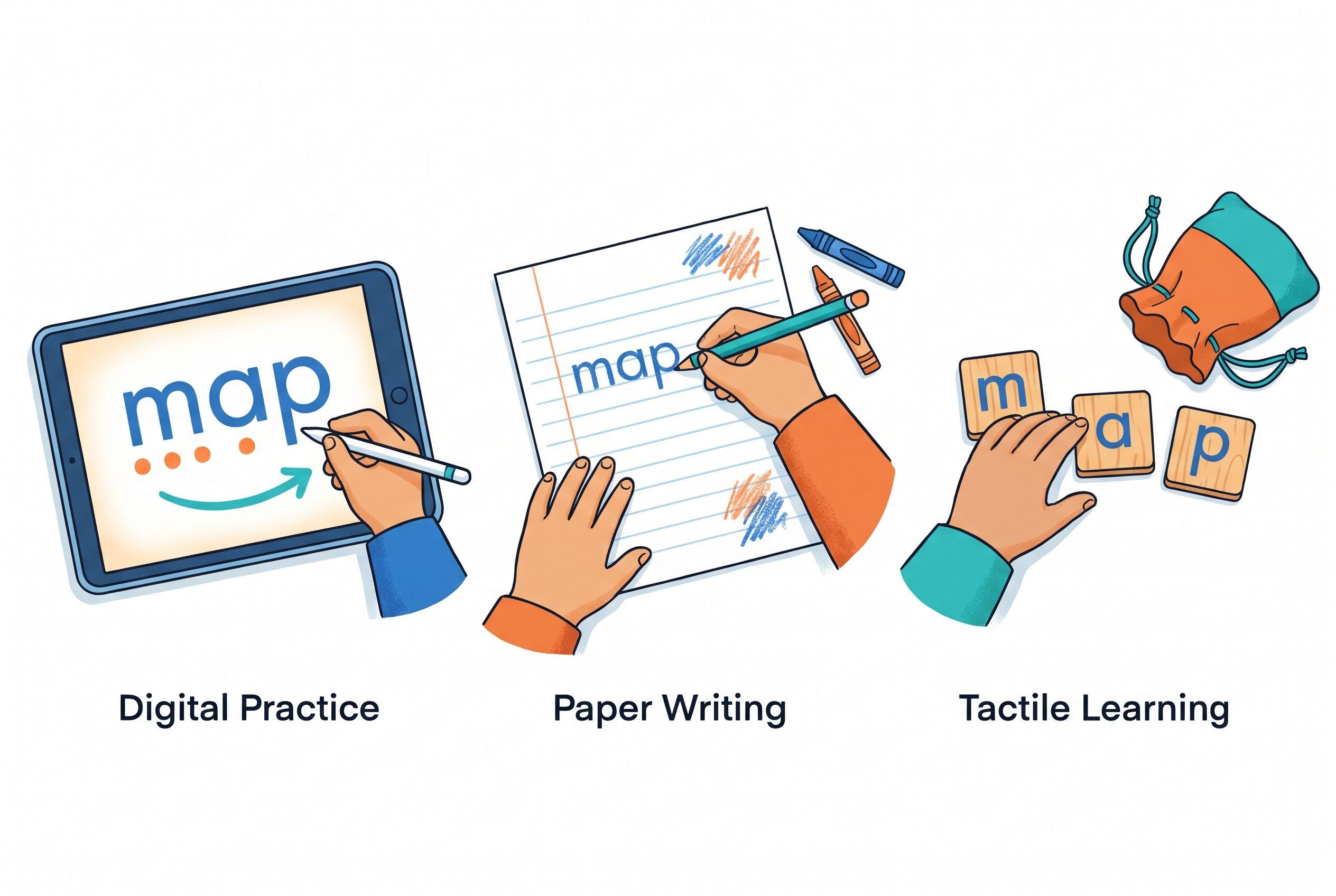
Here's how I want a parent-supported session to look: your child sees map, says the sounds and blends them. Then you write map on a scrap of paper. Can they read it without the app's prompts? Now ask them to spell it using movable letters. That's the real deal: the same skill across different tasks.
Use multisensory phonics purposefully. Saying a sound while writing its spelling connects speech, movement and print. Random tapping accompanied by music doesn't automatically create the same learning opportunity.
The limitation: our app can't replace a specialist who analyses persistent errors and adjusts instruction. I won't claim a formal OG designation or promise a reading timeline here. For a child with suspected dyslexia, use an app alongside appropriate assessment and teaching—not instead of them.
Lesson one is free with no card and nothing to cancel; from lesson two the whole program is a 7-day free trial, then US$9.95 a month. My non-negotiable is simple: judge progress by independent reading, not completed screens.
2. Nessy Reading & Spelling — Strongest Specialist-Focused Shortlist Option
Nessy describes a structured, multisensory approach to reading and spelling, with particular attention to learners with dyslexia. Its published ages of 6–11 include seven comfortably. That makes it a sensible shortlist option when spelling difficulties accompany hesitant reading.
Look for the connection between reading a pattern and spelling it. If your child reads ship but writes sip, you need instruction that addresses the missing sound-spelling connection, not another congratulatory animation.
The limitation: a dyslexia-focused product still doesn't provide the same individual analysis as a trained practitioner. No-brainer? Perhaps. But marketing can blur that boundary. Ask how its sequence fits your child's actual needs before committing to a subscription, and check the current price.
3. Reading.com — A Parent-and-Child Phonics Option
Reading.com describes a parent-and-child lesson format with phonics instruction. Its published age range is 3–8, so a seven-year-old fits the stated audience without stretching the recommendation.
I like the premise of adult involvement. When a child says pat for pit, a listening parent can stop and check the vowel instead of letting the error slide. That's a useful distinction from independent screen time.
The limitation: parent participation takes real time. If you need an independent activity while you handle work calls, this format may not fit. And here's the kicker: parent-led phonics doesn't automatically equal diagnostic OG instruction. Check the current monthly or yearly subscription price and inspect the lesson sequence against your child's gaps.
4. Reading Eggs: Fast Phonics — Choose the Phonics Strand Deliberately
For this comparison, I mean Fast Phonics, not every activity within Reading Eggs. The provider describes Fast Phonics as systematic synthetic phonics and lists ages 5–10.
That's relevant because synthetic phonics teaches children to blend sounds through a word. Your seven-year-old needs that process if stop becomes shop or if they skip the middle of unfamiliar words. Start with the instructional strand, not whichever activity looks busiest.
The limitation: a broad subscription can make it easy to spend time without targeting the weak skill. That's a selection problem, not proof that every game teaches guessing. Bottom line: check what your child practises and verify it away from the screen. Check the current subscription price before purchase.
5. Phonics Hero — A Focused Synthetic Phonics Alternative
Phonics Hero describes synthetic phonics activities covering skills such as letter sounds, blending and spelling. I recommend considering it for a seven-year-old when the available sequence matches the child's current learning needs; I don't have a verified provider age range to quote here.
For example, a child who knows individual sounds but can't blend sat needs blending practice, not endless letter-identification questions. Match the task to the gap. Sounds obvious, right? It's surprisingly easy to miss.
The limitation: correct answers inside a game don't prove fluent reading of connected text. Pair practice with a short decodable passage that uses patterns your child already knows. Check the subscription price and the provider's seven-day trial terms before signing up.
6. Teach Your Monster to Read — Useful Basics, Conditional Age Fit
Teach Your Monster to Read offers game-based practice with letter-sound relationships and blending. Its published app age range is 3–6, which puts seven outside that stated range. I include it for children who still need those foundational skills and enjoy its presentation.
The computer version is free; the mobile app uses a one-time purchase model. Check the current app price. For a budget-conscious family, that computer option deserves a look.
The limitation: fit matters more than cost. A seven-year-old may find the presentation too young, or may need more individual correction than a game provides. Hands down, I'd choose an age-respectful activity over a daily argument. This is supplementary practice, not a substitute for a full intervention plan.
What Disqualifies an App From Being Your Main Reading Tool?
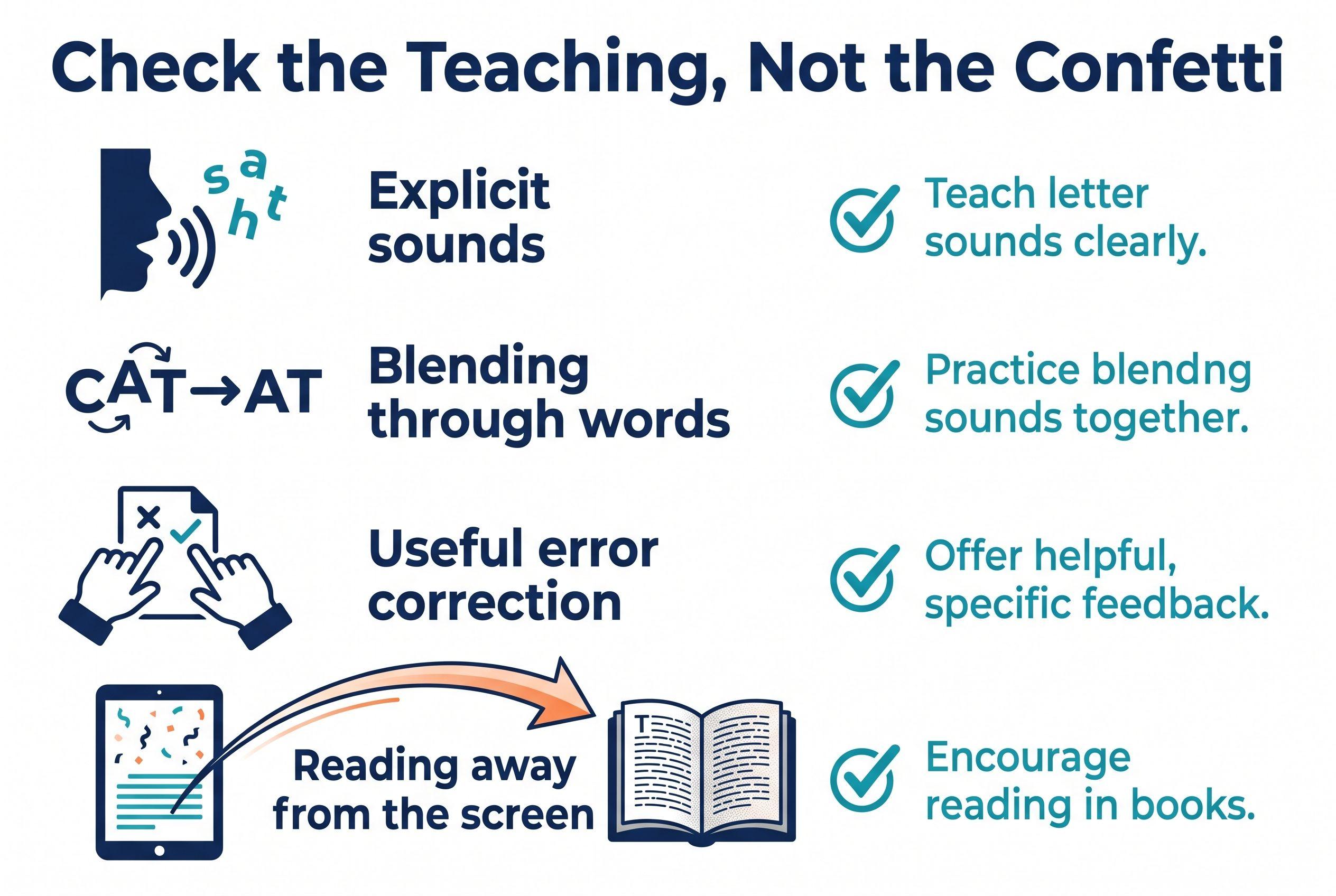
I won't invent a picture-guessing flaw for a competitor just to make our app look better. Instead, apply the same checks to every option—including ours.
- Guessing replaces decoding: the activity encourages choosing a word from its picture instead of checking its letters.
- The text outruns instruction: your child must read patterns nobody has taught them yet.
- Rewards crowd out practice: ten minutes pass with very little actual reading.
- Errors disappear without teaching: the program moves on, but your child still doesn't understand the mistake.
An occasional picture or reward doesn't disqualify a program. The issue is what drives word identification. Pictures can support understanding; they shouldn't supply the word. That's our No Guessing rule, plain and simple.
Your Action Step: A Short Routine With Real Accountability
If you want an initial conversation starter, take the 2-minute reading check. Treat that as a starting check, not a diagnosis. Then put the tablet beside you—not between you and the child.
- Find the starting skill. Ask for a few taught letter sounds, then simple words such as sat and map. Try harder patterns only when the easier ones hold. Record the errors without turning this into an interrogation.
- Choose one target. Practise blending three-sound words or distinguishing short vowels. Don't cram six new patterns into one sitting. Small and accurate beats big and chaotic.
- Spend about 10–15 minutes together. Review known material, practise the target and finish with a short reading task. Shorten the session if fatigue blocks learning; this isn't a guaranteed dose or timeline.
- Move the skill off-screen. Write three practised words in a different order. Ask your child to read them, then spell one. Add an unfamiliar word with the same taught pattern to check transfer.
- Keep a tiny record. Note the date, target and whether your child needed help. Review it weekly. Ask a teacher or reading specialist about DIBELS screening if concerns persist; trained administration and the correct measure matter more than a borrowed benchmark.
- Get help alongside practice. Persistent difficulty with sounds, blending or spelling deserves discussion with school staff or a qualified specialist. Don't require a child to fail through another subscription before seeking support.
If a parent-led routine fits, try Teach Your Kid to Read: lesson one is free with no card and nothing to cancel; from lesson two the whole program is a 7-day free trial, then US$9.95 a month.
Our family rule is We Never Skip: birthdays, holidays and travel days still get a small reading habit. That might mean two minutes of review, not a full lesson. Illness and distress call for care, not a showdown. We're building consistency—not training for the phonics Olympics.
The best orton-gillingham reading apps shortlist only helps if you check actual reading afterwards. Choose the support your child needs, listen closely and demand accuracy without demanding perfection. Independence is the goal.
Ready for a parent-supported first lesson? Lesson one is free with no card and nothing to cancel; from lesson two the whole Teach Your Kid to Read program is a 7-day free trial, then US$9.95 a month.
FAQ
Is an Orton-Gillingham app for a 7 year old enough for dyslexia?
Usually not as the whole plan. An app can provide practice, but a child with dyslexia may need explicit, individualised instruction from a qualified practitioner. Ask how the teaching addresses your child's specific reading and spelling errors.
Are all six products genuine OG programs?
No. This ranking includes OG-adjacent structured literacy tools and broader synthetic phonics alternatives. Don't treat multisensory activities, phonics or a dyslexia-focused description as proof of full Orton-Gillingham instruction.
How should I use an OG reading app at home?
Sit beside your child for a short session, listen to their decoding and revisit errors. Then check a few words on paper. That off-screen transfer tells you more than points, streaks or completed activities.
Should I stop reading picture books?
Absolutely not. Keep reading rich stories aloud for vocabulary, knowledge and enjoyment. Just separate that experience from decoding practice: when your child reads a word, direct attention to its spelling rather than asking them to guess from the illustration.
From teachyourkidtoread.org/blog/best-orton-gillingham-reading-apps-6-ranked-for-2026
Part of these guides

Xia Brody
Co-Founder, Teach Your Kid to Read
Mom of 4 who has successfully taught her kids to read. Currently in the trenches with her 4-year-old while her two oldest (10 and 7) devour books on their own. Passionate about phonics-based methods and building a lifelong love of reading.
Related Articles
6 Best Multisensory Phonics Apps for an 8-Year-Old, Ranked (2026)
My first pick favors parent-led decoding, not independent screen time. Compare six apps, see where their approaches differ and learn how to add meaningful hands-on phonics practice.
Read More →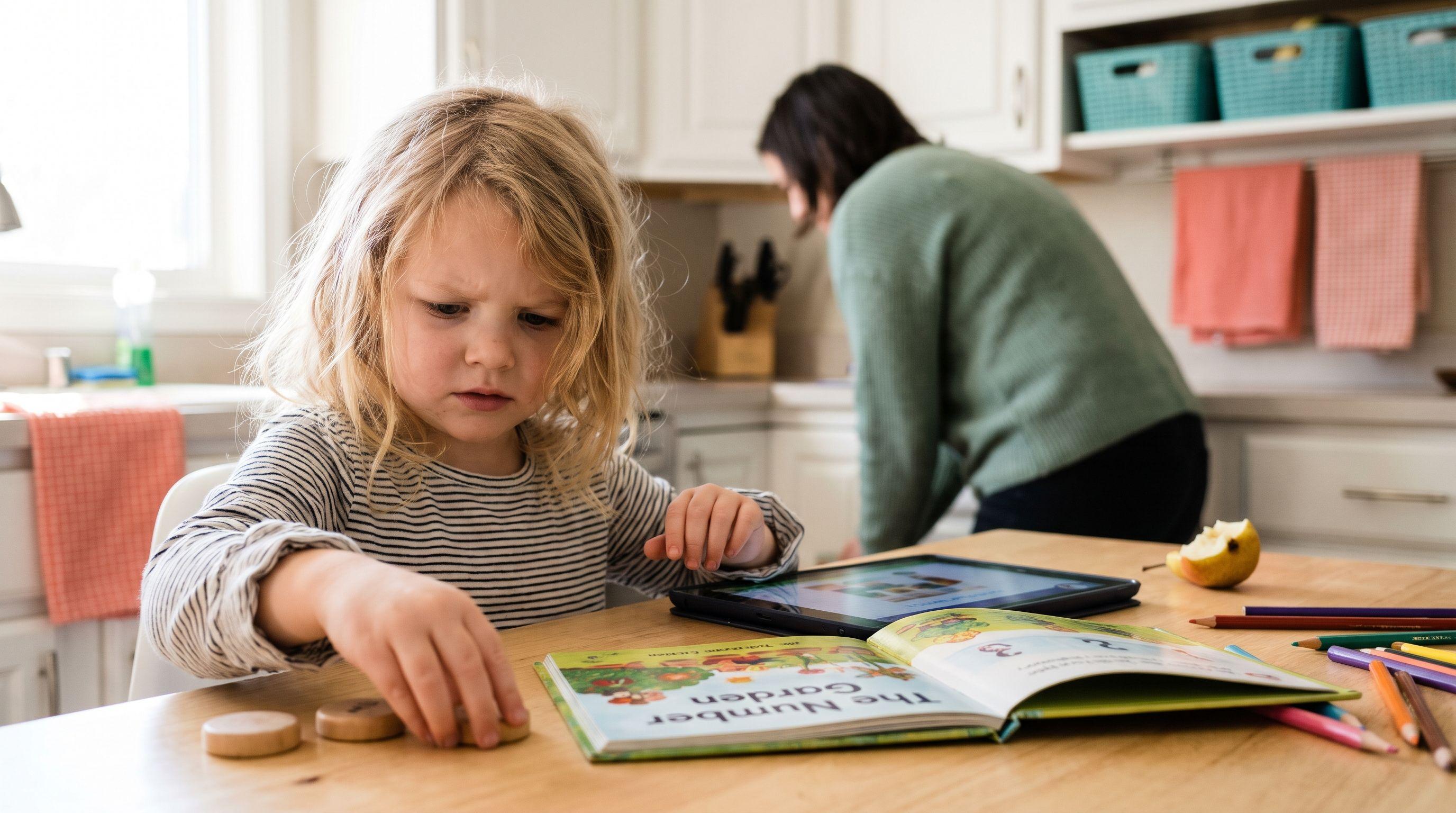
6 Orton-Gillingham Apps for 1st Graders at Home, Ranked
An OG label doesn't tell you whether an app teaches your child to decode. Here are six options for home practice, their limits and the parent-led routine that matters more than screen-time streaks.
Read More →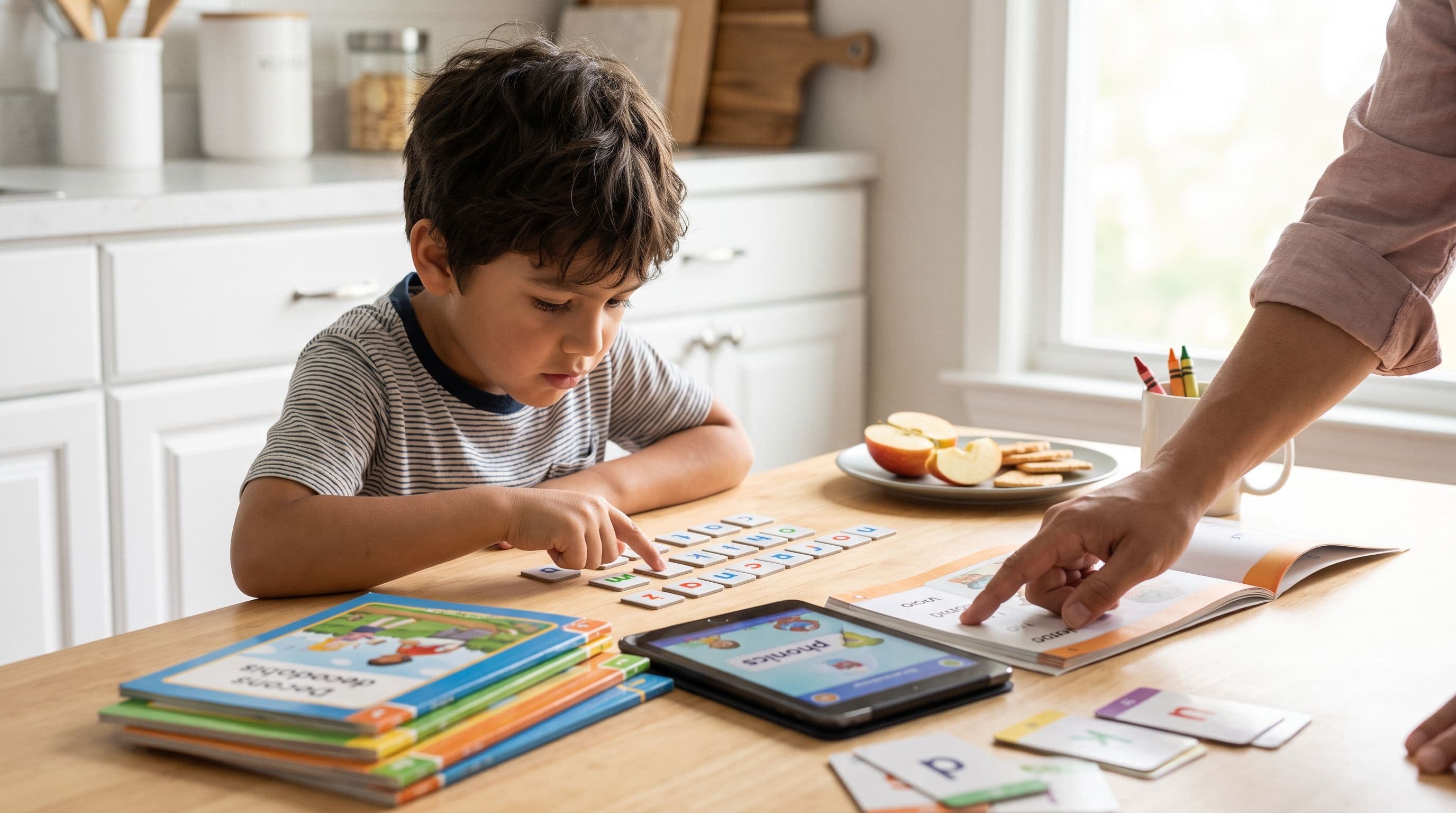
Reading Eggs vs ABCmouse for Dyslexia: Parent Pick
Choosing between Reading Eggs and ABCmouse for a child with dyslexia signs? I’m comparing them as a phonics mom, not a sticker-chart enthusiast. Here’s the no-nonsense 2026 pick.
Read More →