Best App to Teach Sight Words: 2026 Age Picks
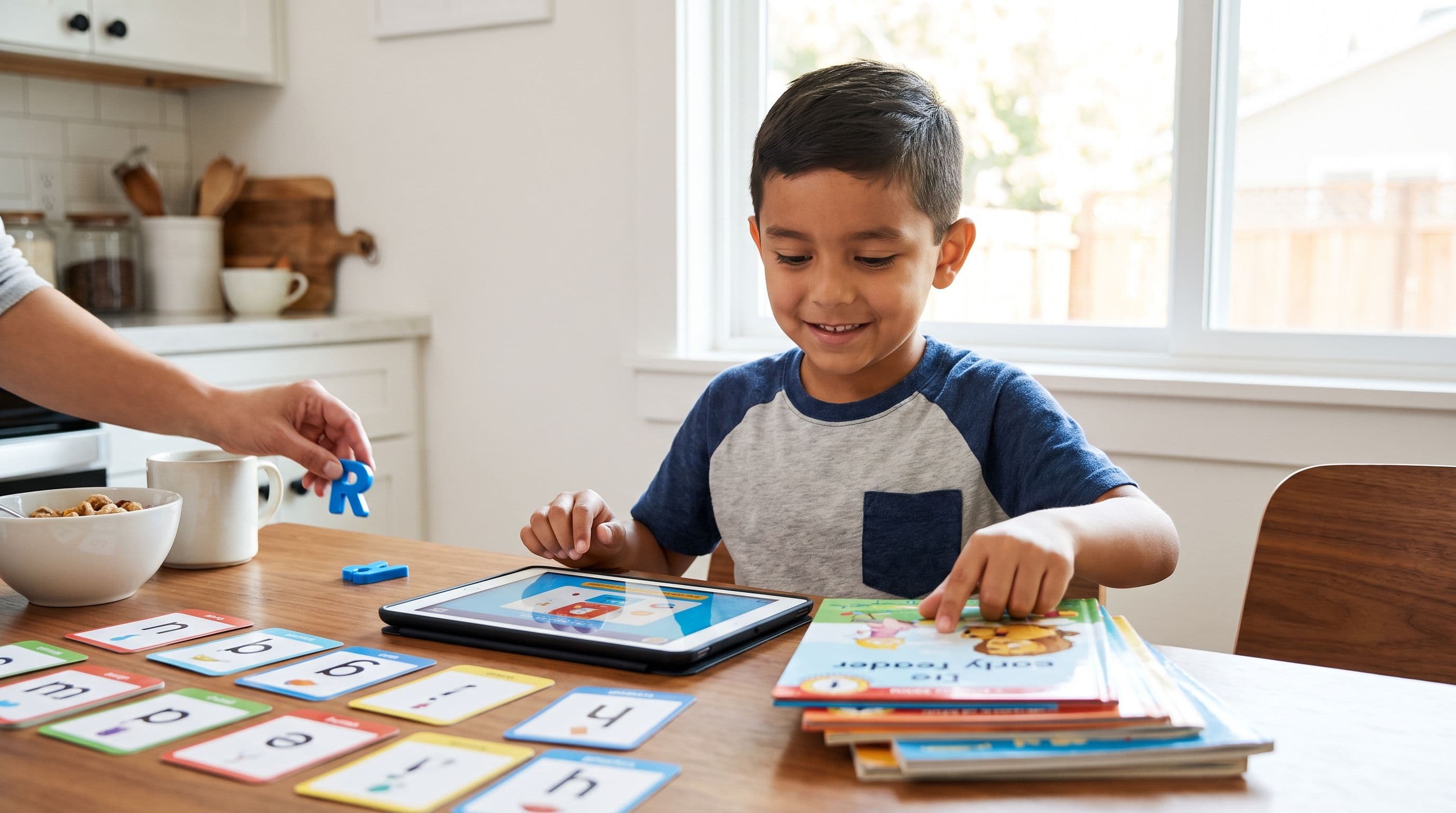
What You'll Learn
- The one sight word mistake that makes kids memorize like tiny exhausted accountants
- Which apps teach heart words with phonics instead of picture guessing
- The age-by-age pick I’d use for preschool, kindergarten (age 5), and 1st grade (ages 6-7)
- The reward-system trap that looks cute but quietly steals reading time
Reality Check
Your kid doesn’t need to “just memorize” 200 sight words like flashcard confetti.
That’s how we create children who can read “said” on Monday, forget it by Wednesday, and then guess “silly” because the sentence has a cartoon dog wearing sunglasses. Sound familiar?
The best app to teach sight words has to do two jobs: teach the regular sound parts and mark the tricky “heart” part when a word has one or when the spelling pattern hasn’t been taught yet. Because yes, fully regular words can become sight words too. “Sight word” just means your child recognizes it automatically. It doesn’t mean “weird word blob from outer space.”
If an app trains your child to guess from pictures, skip it. I don’t care how adorable the dancing llama is.
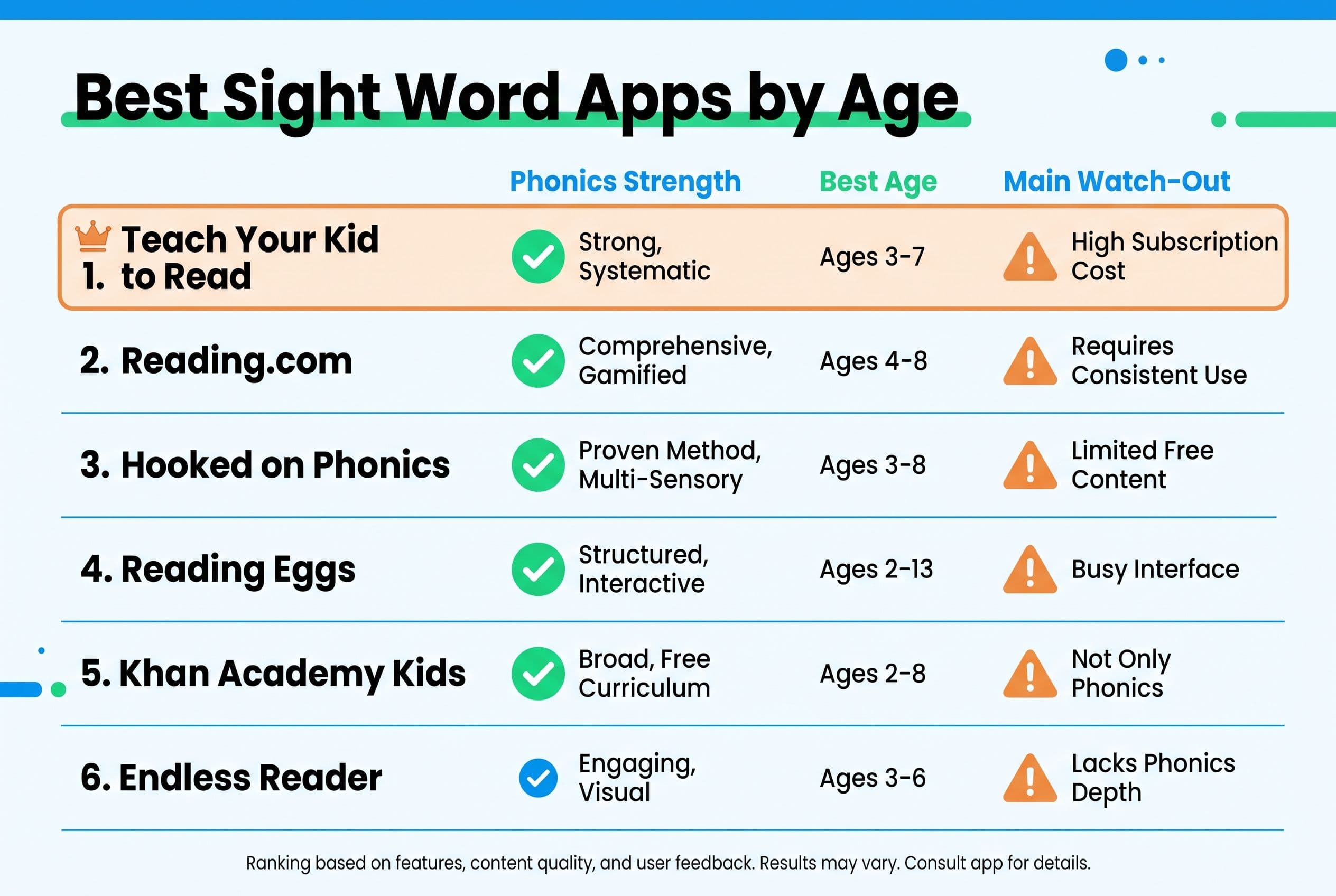
The Verdict: Best Sight Word Apps by Age in 2026
Here’s the short answer, because you’re a parent and you probably have laundry in the washer that’s been there since yesterday.
| Rank | App | What it teaches | Pricing model | Best for age |
|---|---|---|---|---|
| #1 | Teach Your Kid to Read | Systematic phonics + heart words + no guessing | Lesson one is free with no card; from lesson two, 7-day free trial, then US$9.95/month | 4-7 |
| #2 | Reading.com | Parent-led early reading lessons, subscription | Monthly or yearly subscription; check current price | 3-6 |
| #3 | Hooked on Phonics | Phonics lessons with app-based practice | Subscription with 7-day free trial in app; check current price | 4-7 |
| #4 | Reading Eggs | Broad literacy games plus Fast Phonics | Subscription with 30-day free trial; check current price | 3-7 |
| #5 | Khan Academy Kids | Free early literacy activities | Free, donation-supported | 2-6 |
| #6 | Endless Reader | Sight word exposure and animations | Free download with paid word packs | 3-5 |
My #1 pick for the best app to teach sight words is Teach Your Kid to Read because it treats sight words as words to decode, not magic shapes to memorize. Lesson one is free with no card and nothing to cancel; from lesson two the whole program is a 7-day free trial, then US$9.95 a month. You can start lesson one free and see immediately whether the approach fits your child.
Tiger Truth: Sight Words Without Phonics Become Guessing
Look, I’m not anti-sight words. I’m anti-fake reading.
The 2000 National Reading Panel report — the one a US federal reading panel actually commissioned — found that systematic phonics instruction produces significant reading benefits, especially for younger children and struggling readers. Louisa Moats said it plainly in her 1999 paper Teaching Reading IS Rocket Science: English spelling has structure, and teachers need to understand that structure.
And the stakes? In the US, only 33% of 4th graders (ages 9-10) scored proficient in reading on the 2022 NAEP / The Nation's Report Card. That’s not a tiny hiccup. That’s a national literacy faceplant.
After Emily Hanford’s 2022 APM Reports / “Sold a Story” came out, my neighbor — a 1st grade teacher for 18 years — called me almost in tears. She’d been using Lucy Calkins’ Units of Study her whole career. Three-cueing, MSV, the whole mess. She said, “I’ve been teaching kids to guess for two decades and I didn’t even know it.”
She switched her class to UFLI Foundations mid-year. Messy? Oh, absolutely. She had to relearn the code herself first. But by spring her kids’ DIBELS nonsense word fluency scores jumped an average of 15 points. She told me it was the first time in her career where every child in her room could decode CVC words by February.
That’s the kicker.
Sight words don’t need more glitter. They need better instruction.
Best Sight Word App Deep Dive
#1 Teach Your Kid to Read: Best Phonics and Sight Words App
If you want a phonics and sight words app that lines up with reading science, this is the one I’d start with.
Teach Your Kid to Read uses systematic synthetic phonics and Orton-Gillingham-informed principles: explicit instruction, sound-symbol mapping, blending, review, and mastery before moving on. No guessing from pictures. No “look at the first letter and think what makes sense.” Nope. Tiger Mom says no.
Here’s how I want parents to think about sight words:
- Regular parts: sounds your child can decode
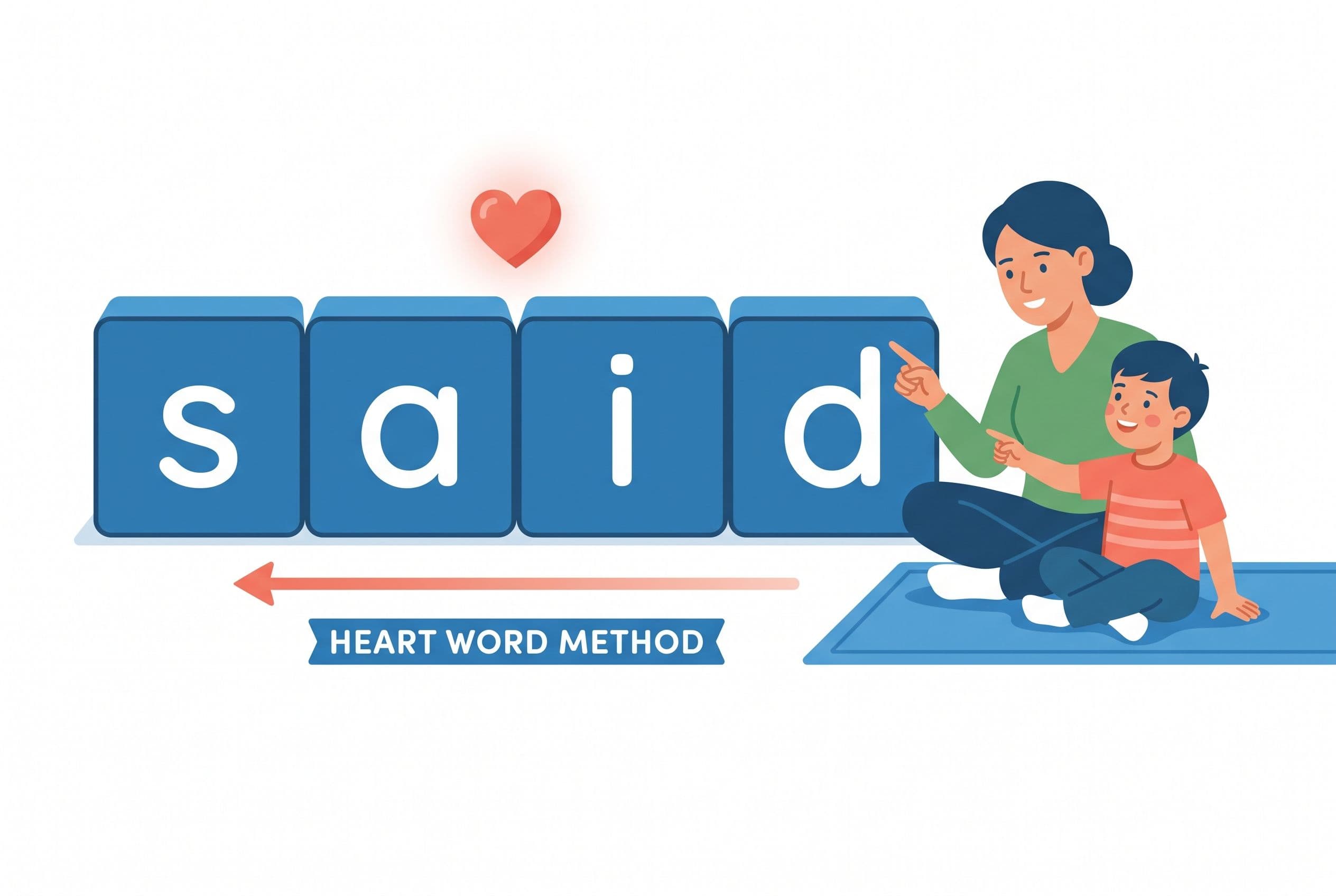
- Heart part: the tricky part your child must learn “by heart”
- Practice: read it, spell it, say the sounds, use it in a decodable sentence
Take the word said. A weak app flashes “said” with a cute picture and asks your child to tap it until they memorize the shape.
A stronger app says: /s/ is regular, /d/ is regular, and the ai part is the heart part because it says /e/ here. That little explanation matters. That’s orthographic mapping — the brain linking sounds, letters, and meaning so the word sticks.
Linnea Ehri’s 2005 work on phases of word reading development explains this beautifully. Kids move from guessing based on visual features into full alphabetic reading when they connect graphemes to phonemes. Translation: your child needs the code, not vibes.
I had my 4-year-old at the kitchen table last Tuesday reading the, to, was, and is with magnetic letters while my 1-year-old tried to eat a blue crayon. Very glamorous homeschool life over here. But here’s the rule in my house: We Never Skip. Five minutes counts. Two words count. But guessing doesn’t count.
Best for:
- Preschoolers ready for letter sounds
- Kindergarten sight words
- 1st grade review
- Parents who want a clear daily plan
- Kids who guess from pictures and need retraining
Watch for:
- You still need to sit nearby. Apps don’t replace parents. Sorry, I know we all wanted a robot tutor while we drink coffee in peace.
#2 Reading.com: Best Parent-Led Early Reading Alternative
Reading.com, made by Teaching.com, states that it serves ages 3-8 and uses a subscription model. I’d place it high for parents who want structured, parent-child lessons rather than handing over a screen and hoping literacy happens by osmosis.
For sight words, I’d look for whether the app explains the sound structure inside irregular words. If it treats “was,” “said,” and “they” as whole blobs to memorize, that’s weaker. If it pairs them with phonics patterns and review, much better.
Best for:
- Parents who want guided lessons
- Ages 3-6 in my recommendation
- Families who can sit with the child
Watch for:
- Don’t let “parent-led” become “parent presses next while child taps randomly.” Stay engaged. Annoying? Maybe. Worth it? Hands down.
#3 Hooked on Phonics: Strong Name Recognition, Check the Fit
Hooked on Phonics, made by Hooked & Company, Inc., states ages 3-8 in the App Store and preschool to 2nd grade on its site. It uses a subscription model with a 7-day free trial in the app.
This one has been a familiar name for decades, and the general phonics angle makes it stronger than pure sight-word games. For a sight word app for kindergarten, I’d still check how it handles high-frequency words. Does it teach “heart word” logic? Does it mix words into decodable sentences? Does it make your child sound out, or does it reward fast tapping?
Best for:
- Kids ages 4-7
- Families who want a familiar phonics brand
- Children who like a game-like feel but still need instruction
Watch for:
- Rewards can become the main event. If your kid remembers the badge but not the word, the app lost the plot.
#4 Reading Eggs: Broad Literacy, Use Fast Phonics Carefully
Reading Eggs is made by Blake eLearning, an Australian-owned company that merged with 3P Learning in 2021. It states a broad age range: Junior for 2-4, Reading Eggs for 3-7, Fast Phonics for 5-10, and Eggspress for 7-13. It uses a subscription model with a 30-day free trial.
Because Reading Eggs covers a lot, I’d use it carefully. Broad platforms can be useful, but they can also bury direct instruction under games, songs, and reward loops.
For kindergarten sight words, I’d go straight to the phonics-heavy parts and watch your child. Are they reading the word, or are they pattern-matching the screen? There’s a difference.
Best for:
- Families who want one broad literacy subscription
- Kids who need lots of practice
- Ages 3-7 for early reading, with Fast Phonics for older beginners
Watch for:
- Don’t confuse activity with mastery. A child can spend 25 minutes clicking and still fail to read come on a page.
#5 Khan Academy Kids: Best Free Support App
Khan Academy Kids is made by Khan Academy, a 501(c)(3) nonprofit, and states ages 2-8. It’s free with no ads or subscriptions, though the site asks for donations.
I love free resources. I do. But free doesn’t automatically mean complete.
For sight words, I’d treat Khan Academy Kids as support, not your whole reading plan. Use it for exposure, vocabulary, stories, and light practice. Pair it with explicit phonics instruction so your child doesn’t build a shaky foundation.
Best for:
- Ages 2-6 in my recommendation
- Budget-conscious families
- Preschool literacy exposure
Watch for:
- If your child needs daily decoding practice, don’t rely on this alone. Free is great. Reading failure is expensive.
#6 Endless Reader: Cute Exposure, Not Enough for Mastery
Endless Reader is made by Originator Inc. and appears as made for ages 0-5 in the App Store. It has a free download with paid word packs.
This app gives young kids playful exposure to high-frequency words. For a 3-year-old who likes letters, fine. For a 5-year-old who needs to actually read kindergarten sight words? I’d want more explicit instruction.
Here’s my issue: animations can make words memorable, but they don’t automatically teach the alphabetic code. If your child learns “this squiggly shape means funny monster action,” that’s not the same as mapping sounds to letters.
Best for:
- Preschool exposure
- Very young kids who like playful word activities
- Parents using it briefly alongside real phonics
Watch for:
- Don’t let cute replace skill. Cute doesn’t help when your child hits a decodable reader and freezes.
What About Other Popular Reading Apps?
A few more names come up a lot when parents search for the best sight word app for kids.
ABCmouse, made by Age of Learning, Inc., states ages 2-8 and has limited Basic Access plus Premium subscription options. I’d treat it as broad early learning, not a dedicated sight word mastery tool.
Teach Your Monster to Read, made by Teach Your Monster Limited in the UK and developed by the Usborne Foundation, states ages 3-6 in the App Store. It’s free on computers and a paid one-time app. I like that it leans into phonics more than many game-heavy apps.
Duolingo ABC, made by Duolingo, Inc., states ages 3-8 on Google Play and the Duolingo blog, with the App Store saying preschool to 2nd grade. It’s free with no ads and no in-app purchases. Nice support tool, but I’d still check whether your child can read words off-screen.
Nessy, made by Nessy Learning Ltd in the UK and part of ILT Education since April 2024, states ages 6-11. I’d look at Nessy for older kids who struggle, especially if dyslexia indicators show up.
Lexia Core5, made by Lexia Learning and part of Cambium Learning Group, serves Pre-K to grade 5 and usually comes through school licences, with families buying a 12-month licence through Family Literacy Centers. Many schools use it, but parent access varies.
Bottom line: apps differ. The pretty one isn’t always the strong one.
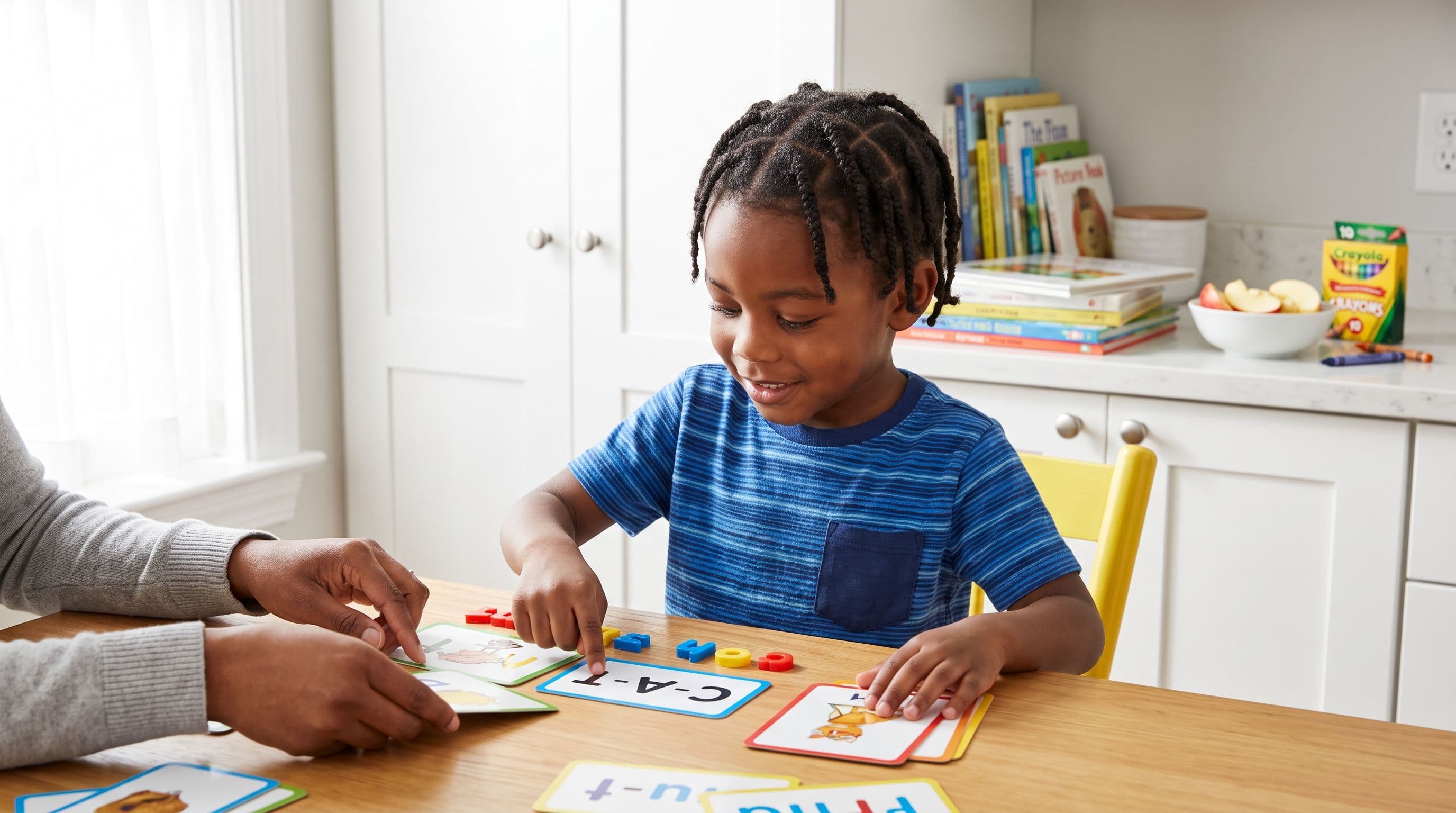
How to Pick a Sight Word App by Age
Ages 3-4: Build Sounds First
At this age, I care less about sight word quantity and more about sound awareness.
Your child should practice:
- Rhyming
- Syllable clapping
- Beginning sounds
- Letter names
- Letter sounds
- Oral blending, like “/m/ /ă/ /t/ — what word?”
If an app pushes huge sight word lists before letter-sound knowledge, slow down. That’s like asking a toddler to make dumplings before they can hold a spoon. Ambitious? Sure. Smart? No.
Kindergarten (Age 5): Teach Heart Words With Phonics
For kindergarten sight words, pick an app that explains the tricky part when there is one.
Your child should learn words like:
- the
- said
- was
- of
- to
- you
- they
- come
- have
- does
But don’t drill them as random shapes. Say the sounds. Map the letters. Mark the heart part when the spelling is irregular or when your child hasn’t learned that pattern yet.
A strong sight word app for kindergarten should also give decodable practice. If the lesson teaches was, your child should read a sentence like, “The cat was on the mat,” not a random leveled reader stuffed with patterns they haven’t learned.
1st Grade (Ages 6-7): Fix Guessing Fast
A sight word app for 1st grade needs to do more than entertain.
By this age, watch for red flags:
- Your child guesses from the first letter
- Your child says a word that matches the picture but not the print
- Your child memorizes books but can’t read a new sentence
- Your child reads “house” as “home” and thinks that’s close enough
Nope. Not close enough.
Use DIBELS, AIMSweb, or the PAST test by David Kilpatrick to find the breakdown. The Kilpatrick PAST test takes about 5 minutes and tells you where phonological awareness starts to crack. That’s useful information, not parent panic.
For DIBELS nonsense word fluency, benchmarks depend on the version, measure, grade, and testing window. So don’t grab one random number from the internet and declare victory. Use the official benchmark table for the assessment your school or tutor is actually using.
The One Feature That Disqualifies a Sight Word App
Here it is: picture guessing.
If an app shows a picture, gives a sentence, and trains your child to choose a word based on “what makes sense,” I’m out.
That’s the old three-cueing habit: meaning, structure, visual. It sounds teacher-y and reasonable until you realize it teaches children to avoid the print. Mark Seidenberg called out this reading education problem in Language at the Speed of Sight (2017), and honestly, he was right to be irritated.
A good app says:
- Look at every letter
- Say the sounds
- Blend left to right
- Notice the tricky part
- Read the word in a decodable sentence
A weak app says:
- Look at the picture
- Guess what makes sense
- Tap until the animation starts
One builds readers. The other builds gamblers.
My 10-Minute Sight Word Routine
Here’s the action step. Do this daily for two weeks before you decide whether an app “works.” No skipping. Yes, birthdays count. Christmas too. Tiger Rules.
- Pick 3 words only. Choose one review word, one current word, and one stretch word.
- Say the word. “This word is said.”
- Tap the sounds. /s/ /e/ /d/.
- Map the letters. Show which letters spell each sound.
- Mark the heart part. In said, the tricky part is ai saying /e/.
- Build it. Use magnetic letters, tiles, or a dry-erase board.
- Read it in a sentence. Keep the sentence decodable.
- Spell it from memory. Say sounds while writing.
- Review yesterday’s words. Quick, no drama.
- Stop at 10 minutes. Leave before the meltdown. Ask me how I know.
Use your app after step 5 or step 7, not instead of the lesson. The app gives practice. You give correction.
If your child is already behind, take the 2-minute reading check before you buy another subscription. Know the gap first, then attack it.
Final Recommendation
If you want the best app to teach sight words in 2026, start with Teach Your Kid to Read because it puts phonics first, teaches heart words honestly, and doesn’t train guessing. Lesson one is free with no card and nothing to cancel; from lesson two the whole program is a 7-day free trial, then US$9.95 a month.
Use apps like Reading.com, Hooked on Phonics, Reading Eggs, Khan Academy Kids, and Teach Your Monster to Read as options depending on your child’s age, attention span, and decoding level.
But remember this: the app doesn’t get to lower the standard.
Your child reads the word, not the picture. Your child sounds it out, not guesses. Your child builds the skill, one small drill at a time.
That’s how reading becomes independence.
FAQ
What is the best app to teach sight words?
Teach Your Kid to Read is my top pick because it teaches sight words through phonics and heart word mapping instead of pure memorization. Lesson one is free with no card; from lesson two it’s a 7-day free trial, then US$9.95 a month.
Should kids memorize sight words?
Kids need to know high-frequency words automatically, but memorizing them as whole shapes is weak instruction. Teach the regular sound parts, mark the irregular heart part when there is one, and practice the word in decodable sentences.
What is a good sight word app for kindergarten?
A good sight word app for kindergarten (age 5) teaches letter sounds, blending, heart words, and decodable reading. Avoid apps that push guessing from pictures or reward tapping faster than reading.
What is the best sight word app for 1st grade?
For 1st grade (ages 6-7), choose a phonics and sight words app that fixes guessing and builds decoding. If your child struggles with nonsense words or CVC words, use DIBELS, AIMSweb, or Kilpatrick’s PAST test to find the gap.
Are heart words the same as sight words?
Not exactly. Sight words are words a child recognizes automatically. Heart words are high-frequency words taught by mapping the regular parts and learning the tricky part “by heart.”
Part of these guides

Xia Brody
Co-Founder, Teach Your Kid to Read
Mom of 4 who has successfully taught her kids to read. Currently in the trenches with her 4-year-old while her two oldest (10 and 7) devour books on their own. Passionate about phonics-based methods and building a lifelong love of reading.
Related Articles
Best Reading App for a 1st Grader Who Guesses Words
If your 1st grader guesses words from pictures, that’s not reading — that’s coping. Here’s the no-nonsense app comparison I’d use with my own kids.
Read More →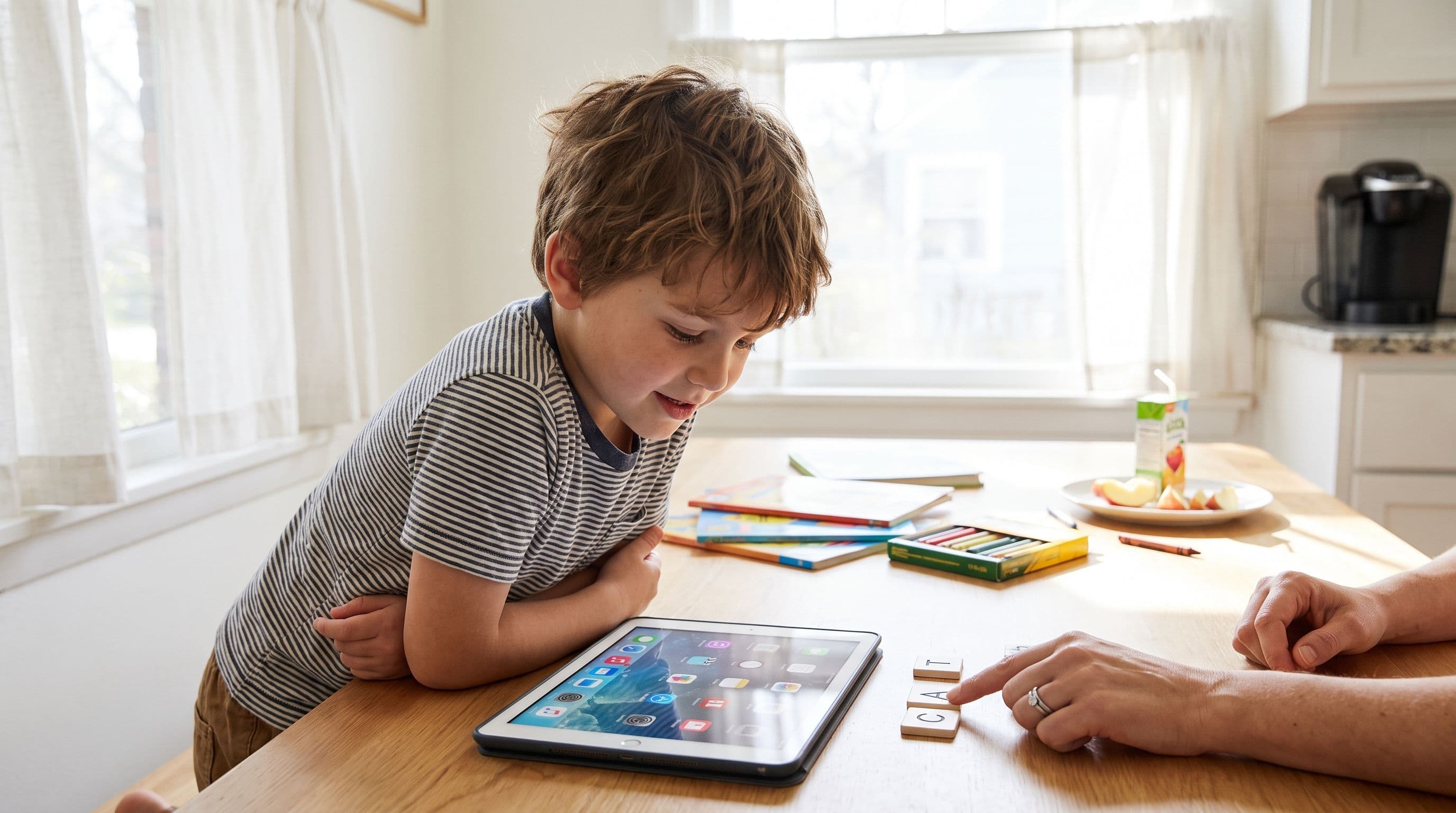
Best Reading App for CVC Words: 6 Picks for 2026
Looking for the best reading app for CVC words in 2026? Here’s my no-nonsense parent comparison of 6 apps, what they teach, what they miss, and which one I’d use first.
Read More →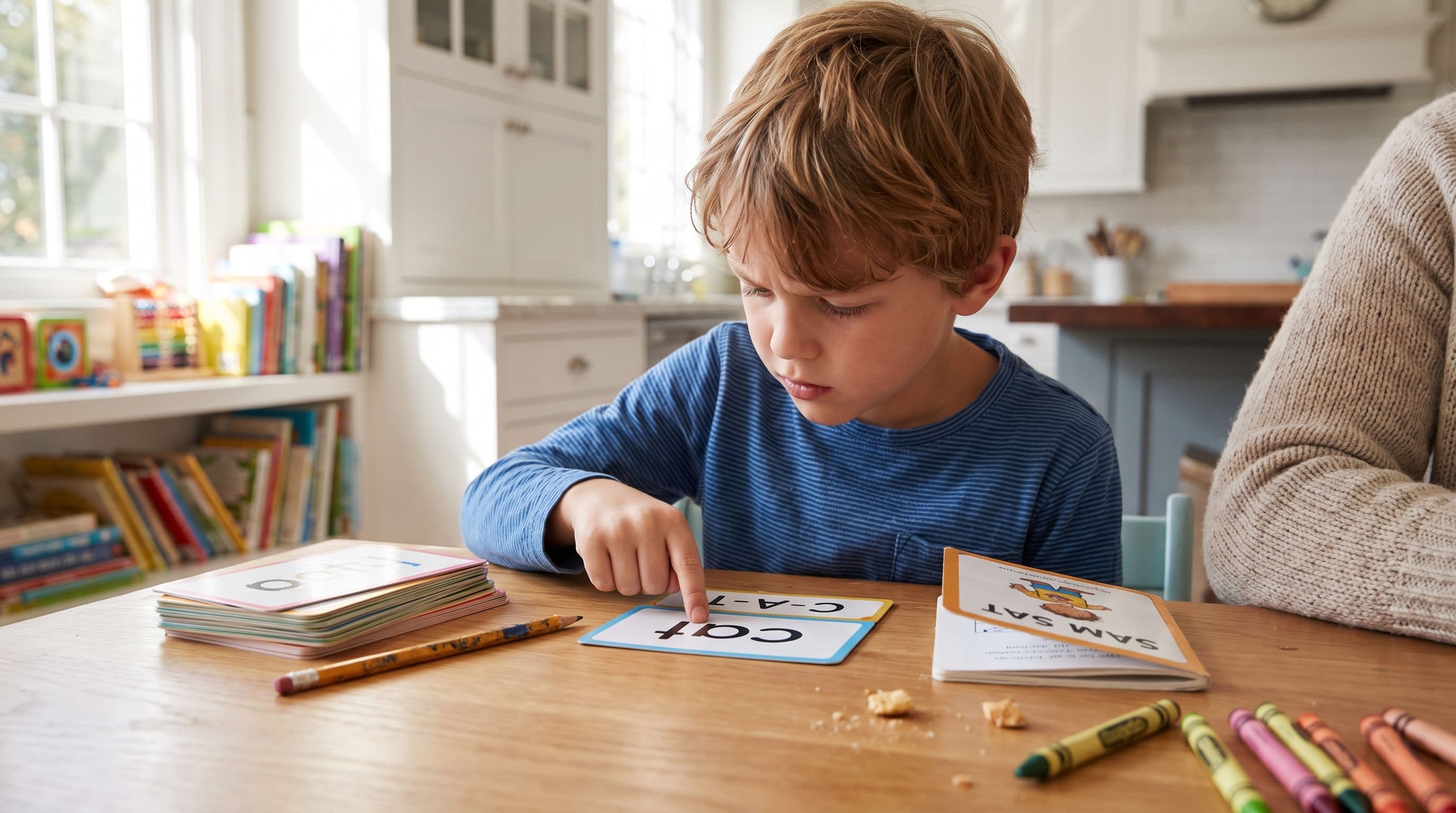
Best App for Kids Who Guess Words: 2026 Phonics Picks
If your child guesses words from pictures, context, or the first letter, you don't have a reading problem to ignore — you have a decoding problem to fix. Here are the 2026 phonics app picks I’d actually consider as a no-nonsense homeschooling mom.
Read More →